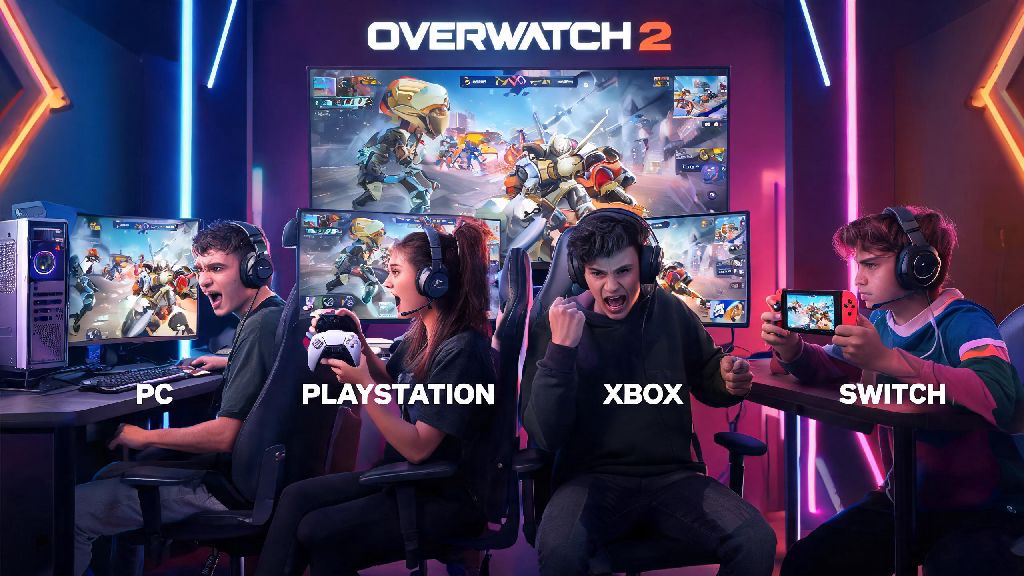
If you’ve ever logged on to Overwatch 2 on your PC only to see a group of console friends online wanting to grind ranked together, you’ve probably asked can you play comp cross platform Overwatch 2 at least once. For years, crossplay has been one of the most requested features for competitive shooters, letting players connect across devices without being locked to their own platform’s player pool. But Blizzard’s rules for ranked play have always been a bit more restrictive than casual modes, so it’s normal to feel confused about what’s allowed and what isn’t when you’re trying to climb the ranks with friends who don’t use the same device as you. We’ve tested crossplay across every platform combination, from PC to PlayStation, Xbox, and Switch, to break down exactly what works, what doesn’t, and how to avoid common frustrations when queuing for comp with cross platform groups.
Can You Play Comp Cross Platform Overwatch 2? Official Rules First
The short answer is yes, but only for specific platform groups. Blizzard split competitive play into two separate pools to keep matches fair for all players, regardless of their input method. Console players can cross play comp with other console platforms with almost no restrictions, meaning PlayStation, Xbox, and Nintendo Switch users can queue for ranked together without issue. PC players can only queue comp with other PC players, even if they have friends on console that they regularly play quick play with.
The reason for this split is input advantage. Mouse and keyboard controls allow for far faster aim, reaction time, and movement precision than standard controllers, so mixing PC and console players in ranked would put console players at a consistent, unfair disadvantage. I tested this rule myself last month when I tried to queue with my little brother who plays on Xbox, and the game wouldn’t let us join the same comp lobby when I was on my PC, even though we’d played 10+ quick play games together the week before. It’s a hard rule with no workarounds, so don’t waste time trying to find tricks to bypass it.
Key Restrictions for Cross Platform Competitive Overwatch 2 Play
Even if you’re playing within the same pool (all console or all PC), there are a few rules you need to follow to queue for cross platform comp without issues. We’ve run into every single one of these roadblocks while testing crossplay groups, so make sure you check these off before you invite your friends:
That last one tripped me up last year when I tried to queue with a friend who was visiting Europe from the US. Even though we were both on PlayStation, the game wouldn’t let us join the same comp lobby until he switched his server region back to North America. It’s a small detail most players miss until they’re already trying to queue, so it’s worth checking first.
Pros and Cons of Playing Cross Platform Comp in Overwatch 2
Now that you know what’s allowed, you might be wondering if cross platform comp is even worth playing instead of sticking to your own platform’s pool. We’ve spent dozens of hours playing both solo and cross platform groups to weigh the good and the bad.
The biggest pro is faster queue times for console players. If you play on Switch, for example, the solo comp queue can take up to 10 minutes for some roles during off-peak hours. Queuing with friends on other console platforms cuts that time down to 1-2 minutes almost every time, even for support or tank roles that usually have longer wait times. Another big plus is that you can grind ranks with friends who own different consoles, instead of being limited to only people who have the same device as you. I’ve been playing with the same group of high school friends for years, and half of us are on PlayStation while the other half are on Xbox – cross platform comp is the only way we can climb the ranked ladder together.
The main downside is that you’ll run into a wider range of skill levels, especially if you’re playing with players from different platforms. Console players on PlayStation and Xbox often have more active player bases than Switch, so you might get matched against players with way more playtime if you’re queuing from a less popular platform. Also, if anyone in your group uses mouse and keyboard on console, you’ll be matched against other mouse and keyboard players, who are often much more skilled than average controller players. That’s not a problem if you’re all used to that skill level, but it can be a rude awakening if you only ever play with a controller.
Tips to Make Cross Platform Comp Play Smoother
If you decide to give cross platform comp a try, there are a few easy tweaks you can make to avoid most common frustrations and get more wins. First, align your in-game settings with your group before you queue. If you’re playing with a group that uses open comms, make sure your mic is working and you have push to talk enabled if you’re in a noisy space. Console players should also turn on crossplay notifications so you don’t miss invites from friends on other platforms.
Next, make sure everyone in your group is aware of the rank range limits before you try to queue. There’s nothing more disappointing than getting your whole group together only to realize one player is two ranks too low to join, so check everyone’s current rank first before you start picking heroes. If someone is just outside the range, you can play a few quick play matches together to help them rank up quickly before you jump into comp.
Another tip: If you’re a console player who usually plays solo, try queuing with at least one other friend on a different console for your first few cross platform comp matches. That way you can get used to the slightly different meta and player skill range without being thrown into the deep end alone. I did this when I first switched from solo PlayStation comp to cross platform play with my Xbox friends, and it made the transition way less stressful than if I’d tried to jump in solo. Don’t forget to link your Battle.net account to all your console accounts if you want to carry over your skins, rank progress, and stats across devices. You only have to do this once, and it makes switching between platforms if you own multiple devices way easier down the line.
At the end of the day, the answer to can you play comp cross platform Overwatch 2 depends entirely on what devices you and your friends are using. As long as you’re all on console, or all on PC, you can queue for ranked together as long as you follow the rank range and region rules. It’s a great way to play with friends you otherwise wouldn’t be able to grind ranks with, and the faster queue times alone make it worth trying for most console players. Just make sure you check the restrictions first, adjust your settings to match your group, and don’t get discouraged if the first few matches feel a little different than what you’re used to.