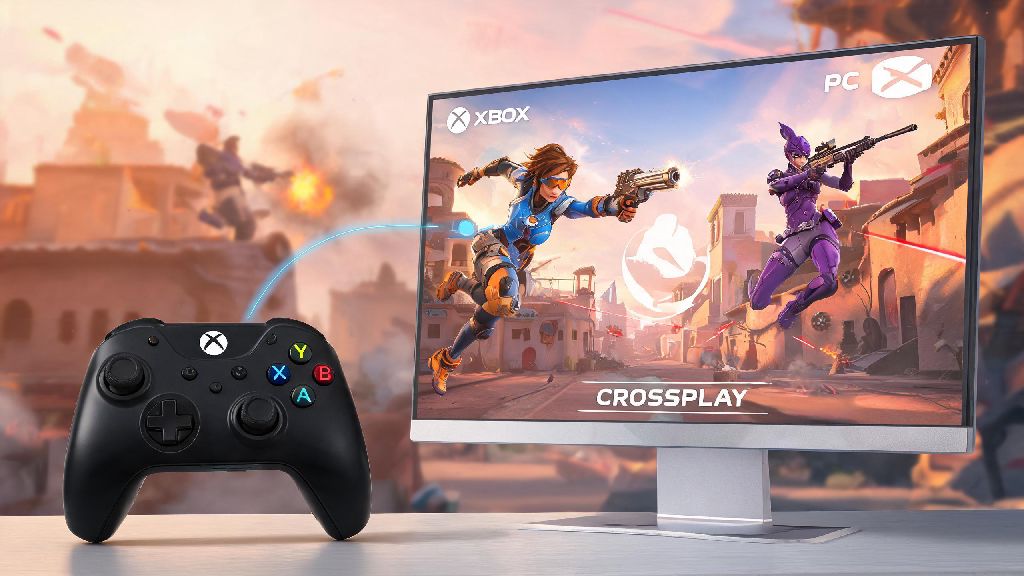
You’re curled up on your couch ready to grind some Overwatch matches on your Xbox, and your best friend texts you they’re free to play from their PC. The first question that pops into your head is probably can Xbox and PC play Overwatch together, and you’re not alone. Thousands of players ask this same question every week, especially after Overwatch 2 shifted to a free-to-play model with expanded cross-platform support. This guide breaks down everything you need to know to queue up with your friends across both platforms, plus fixes for the most common issues that pop up when you’re trying to connect.
Can Xbox and PC Play Overwatch Together? Crossplay Eligibility Rules
The short answer is yes, all modern Xbox consoles (Xbox One, Xbox Series X, and Xbox Series S) can play Overwatch with any PC player, whether they own the game on Battle.net or Steam. If you’ve been wondering whether can Xbox and PC play Overwatch together across all game modes, the answer is yes, with no restrictions on non-competitive modes at all. This applies to quick play, arcade, seasonal event modes, and even competitive play, as long as you meet a few basic requirements. Original Overwatch players will remember that crossplay was rolled out halfway through the first game’s lifecycle, and it’s been a core feature of Overwatch 2 since launch, with very few restrictions.
All Xbox and PC Overwatch players must have a linked Battle.net account to access crossplay features, even if you play the game through Steam on PC. This is how Overwatch syncs your friends list, progression, and cross-platform lobby settings across all devices. The only real eligibility rule is that you can’t play cross-platform if you have crossplay turned off in your settings, which we’ll cover how to adjust later. It’s also worth noting that crossplay is enabled by default for all new players, so if you’ve never touched your gameplay settings, you’re probably already set to go.
Step-by-Step Setup to Play Overwatch Across Xbox and PC
Setting up crossplay between Xbox and PC only takes a few minutes, even if you’ve never linked your accounts before. We’ve broken the process down into simple, foolproof steps so you don’t waste time troubleshooting setup when you could be playing.
Key Limitations and Differences When Playing Overwatch Between Xbox and PC
While crossplay between Xbox and PC works seamlessly for the most part, there are a few small limitations and differences you should be aware of before you queue up. The biggest one is input-based matchmaking, which is designed to keep matches fair for players using different control types. By default, if you’re playing on Xbox with a controller and grouping up with a PC friend who uses mouse and keyboard, you’ll be placed in lobbies with a mix of controller and mouse/keyboard players. If you’d rather only play against other controller users, you can turn off cross-input matchmaking in your settings, but that means you won’t be able to group up with PC friends who use mouse and keyboard.
All your Overwatch progression, skins, and battle pass progress carry over between Xbox and PC as long as you use the same linked Battle.net account. That means you can grind battle pass levels on your Xbox during the week, then switch to your PC on the weekends and pick up right where you left off. The only exception is platform-exclusive skins, like Xbox-exclusive promotional skins or Steam exclusive items, which will only be visible when you’re playing on the platform you earned them on.
You’ll also notice that competitive ranks are separate per input type, so your controller rank on Xbox won’t carry over to mouse and keyboard rank on PC, and vice versa. Some players worry that PC mouse and keyboard users have an unfair advantage over controller players, but the matchmaker is calibrated to account for input type when building mixed lobbies, so matches stay relatively balanced. I’ve noticed that mixed input groups actually get faster queue times than solo controller or solo mouse and keyboard players, since the matchmaker has a larger pool of lobbies to pull from.
How to Fix Common Crossplay Issues Between Xbox and PC Overwatch Players
Even with the smooth setup, you might run into a few small issues when trying to play Overwatch across Xbox and PC. Most of these have simple fixes that take less than a minute to try. The most common issue is not being able to see your cross-platform friend on your friends list, even after you’ve sent a request. If this happens, first double check that you added their full Battle.net tag with the correct 4-digit number, then have both of you restart your game to refresh the friends list sync.
Another common issue is getting an error message when trying to join each other’s lobby. This usually happens if one of you has cross-input matchmaking turned off, or if you’re trying to queue for competitive play and your rank difference is larger than the allowed 10-tier gap for most ranks, or 5-tier gap for Top 500 players. If you're getting constant connection errors when playing with cross platform friends, try resetting your router and checking that your NAT type is open on both Xbox and PC. A strict or moderate NAT type is the most common cause of cross-play connection issues, and most internet providers can walk you through opening your NAT type if you run into trouble.
Sometimes seasonal updates or small hotfixes can cause temporary crossplay bugs on Blizzard’s end, so if none of the above fixes work, check official Overwatch social channels to see if other players are reporting the same issue. Never share your Battle.net account login details with anyone, even if they claim to be able to fix crossplay issues for you. All legitimate fixes for crossplay problems don’t require access to your account, and sharing your login puts your skins, progression, and personal information at risk. I ran into this exact issue last season right after a big summer event patch dropped, where my Xbox roommate couldn’t join my PC lobby for almost 3 hours. We tried every fix we could think of, and it turned out to be a server-side bug that Blizzard fixed with a small emergency hotfix later that day, so don’t panic if crossplay stops working right after an update.
At the end of the day, the answer to can Xbox and PC play Overwatch together is a resounding yes, with very few hoops to jump through to get it set up. Crossplay has made it easier than ever to play with all your friends no matter what platform they prefer, and the shared progression means you don’t have to grind the same battle pass twice if you switch between Xbox and PC regularly. If you’re new to crossplay, try queuing for quick play or arcade modes first to get used to mixed input lobbies before you jump into competitive matches, that way you can get a feel for how the matchmaker balances different control types without risking your rank. If you run into any weird crossplay snags we didn’t cover here, feel free to share the details in the comments and we’ll help you troubleshoot.