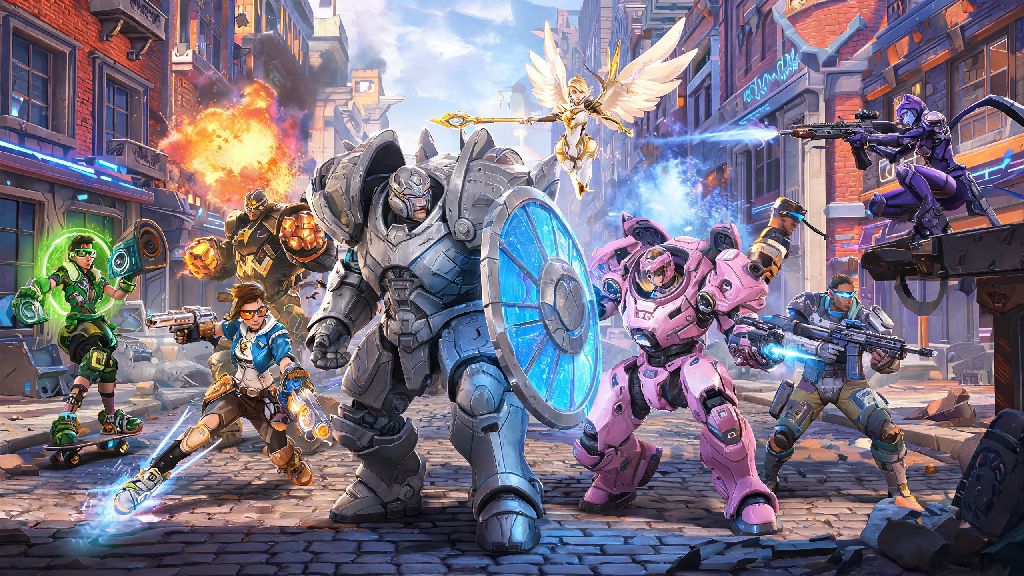
If you’ve ever logged into Overwatch on your PC and wanted to queue up with a friend who’s playing on their PS4, you’ve probably asked one very specific question: can pc play with ps4 overwatch? Crossplay functionality has rolled out across most major multiplayer titles over the last few years, but rules vary wildly from game to game, and even change between different installments of the same franchise. We’ve tested every part of Overwatch’s cross-platform system to break down exactly what works, what doesn’t, and how you can get your cross-platform group playing together with minimal hassle.
Can PC Play With PS4 Overwatch: Official Crossplay Rules
The short answer is yes, full crossplay support between PC and PS4 was added to the Overwatch franchise alongside the launch of Overwatch 2, and it remains active for all players today. The original 2016 Overwatch title never supported cross-platform play, but that version is no longer available to play, so all current Overwatch players have access to crossplay by default. The only requirement to access crossplay is linking your console account to a valid Battle.net account, which is mandatory for all Overwatch players regardless of platform anyway.
You don’t need to pay for any additional subscriptions to access crossplay on either platform, though PS4 players do need an active PlayStation Plus subscription to play Overwatch online, same as any other online multiplayer title on the console. Crossplay is enabled automatically when you first launch the game, but you can toggle it off in your in-game settings if you only want to match with players on your own platform.
Competitive mode queues separate PC and console players by default to avoid input advantage issues, so if you want to play competitive with a PS4 friend on PC, you’ll have to queue as a group, and you’ll be placed in the PC competitive pool, even if most of your group is on console. This rule is in place to keep matches fair for both input types, as mouse and keyboard users typically have faster reaction times and more precise aim than controller users.
Step-by-Step Setup to Play Overwatch Across PC and PS4
Getting your cross-platform group set up only takes a few minutes, as long as you follow the correct steps. First, PS4 players need to open Overwatch, navigate to the settings menu, and select the “Crossplay” tab. You’ll see a QR code and a unique alphanumeric code that you can enter on the Battle.net website to link your PSN ID to your Battle.net account. PC players just need to log into their Battle.net account, go to the “Connections” tab in account settings, and select “PlayStation Network” to link their PSN ID to their account.
Once both accounts are linked, you can add each other as friends using either your Battle.net tag or your PSN ID, and you’ll see each other online regardless of what platform you’re playing on. You can send group invites directly through the in-game friends list, and the group leader can start a queue for any game mode as soon as all members are ready. If you run into issues seeing your friend online, try logging out of Overwatch on both devices and logging back in, as account links can take a few minutes to sync across platforms.
Most setup issues stem from simple avoidable mistakes, so keep these common pitfalls in mind:
Group leaders can adjust queue settings to prioritize cross-platform matches or restrict to same-platform players if they run into connection issues. If you’re experiencing high ping or lag in cross-platform matches, try switching to a server that’s closer to all group members to improve connection quality.
What to Expect When Playing Overwatch Cross-Platform Between PC and PS4
Queue times for cross-platform groups are usually a bit longer than same-platform groups, especially if you’re playing less popular game modes like Mystery Heroes or Capture the Flag during off-peak hours. A lot of players use those short wait times to mess around in the practice range, adjust their hero loadouts, or take a quick break to stretch their hands and rest their eyes. If you’re waiting for more friends to join your group and want a low-stakes way to pass 5 or 10 minutes, casual players often play quick, low-investment games during these gaps, and INR Rummy is a popular pick for players who like card games that fit neatly into short breaks without pulling too much of your focus away from your queue.
When you do get into a match, you’ll notice a small icon next to each player’s name showing what platform they’re playing on, so you can easily tell who’s on PC and who’s on PS4. PC players do have a natural input advantage with mouse and keyboard, especially for aim-heavy heroes like Widowmaker or Ashe, so if you’re on PS4 playing with PC friends, don’t feel discouraged if you’re getting picked off more often than usual. You can adjust your controller sensitivity settings to match your playstyle, and many console players are able to keep up with PC players once they get used to the faster pace of cross-platform lobbies.
Cross-platform voice chat works natively between PC and PS4, so you don’t need to use third-party apps to communicate with your group, though you can adjust voice chat settings to mute other players if you prefer. Text chat also works across platforms, though PS4 players have the option to disable cross-platform text chat in their settings if they don’t want to receive messages from PC players.
Limitations of Overwatch Crossplay Between PC and PS4
It’s not all perfect, there are a few limitations you should know about before you try to play with cross-platform friends. First, as we mentioned earlier, competitive mode groups with mixed PC and PS4 players will always be placed in the PC competitive pool, which means PS4 players will be playing against other PC players as well, which can be a big jump in difficulty if you’re used to only playing against other console players. If you’re a PS4 player new to cross-platform competitive play, we recommend starting with quick play matches first to get used to the faster pace before jumping into ranked games.
You also can’t transfer in-game progress or purchases between PC and PS4 unless you’ve enabled cross-progression via your linked Battle.net account. Cross-progression does share your cosmetic unlocks, battle pass progress, and rank across all linked platforms, so any purchases made on one platform will be available everywhere, and you don’t have to buy the same battle pass twice for PC and PS4. If you played Overwatch on both PC and PS4 before cross-progression launched, you’ll be able to merge your progress into a single account when you first link your accounts.
Another limitation is that custom game lobbies may have crossplay restrictions set by the lobby host, so if you’re trying to join a custom game hosted by a PC player on your PS4, you may get blocked if the host has disabled cross-platform access for their lobby. Most public custom lobbies have crossplay enabled by default, but private lobbies for tournaments or scrims often restrict access to a single platform to keep matches fair. You can’t use platform-specific accessories like PS4 adaptive triggers on the PC version of Overwatch, even if you’re playing with a PS4 controller connected to your PC, as those features are only supported on the native PS4 version of the game.
At the end of the day, the answer to can pc play with ps4 overwatch is a resounding yes, as long as you take a few minutes to link your accounts and adjust your settings to fit cross-platform play. Whether you’re playing casual quick play matches for fun or grinding competitive ranks with a mixed group of PC and PS4 friends, the crossplay system works smoothly for the vast majority of players, with very few major issues to worry about. Just make sure you double check your account links before you queue up, and don’t be afraid to adjust your settings if you’re struggling to keep up with cross-platform players.