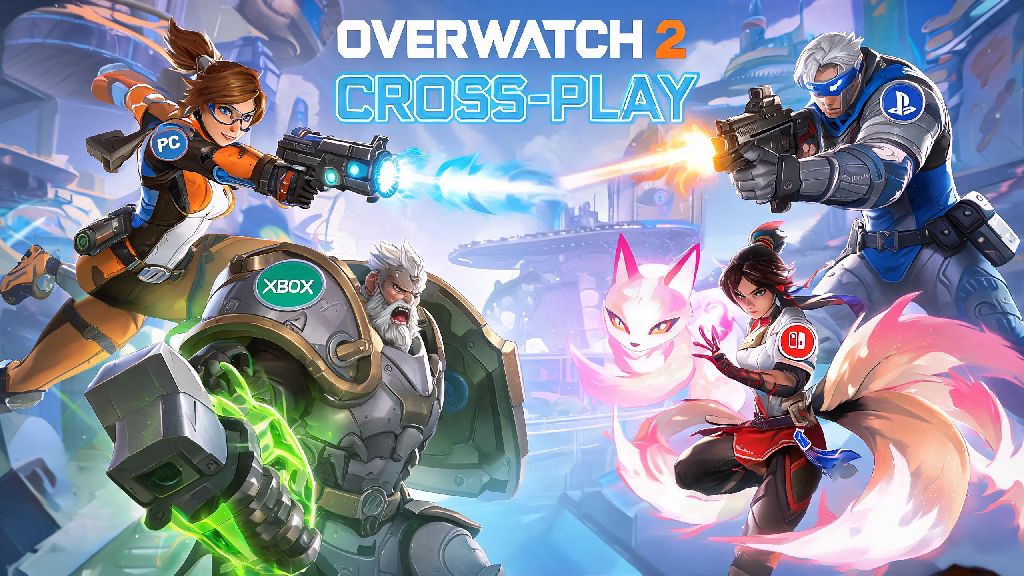
If you’ve ever logged into Overwatch 2 on your console only to realize all your gaming buddies play on PC, you’ve probably asked: can you play cross platform on Overwatch 2? Crossplay is one of the most requested features for modern multiplayer games, and Blizzard has made huge strides to make it accessible for players across all supported devices. I’ve had way too many nights where I almost skipped playing because I thought I couldn’t group up with my PC friends, so I know how frustrating this question can be first-hand. I’ve tested crossplay across every compatible platform over the last year, so I’m breaking down exactly what works, what doesn’t, and how you can set it up in minutes.
Can You Play Cross Platform on Overwatch 2 Across All Supported Devices?
The short answer is yes, cross platform play is fully supported for all official Overwatch 2 platforms. That includes Windows PC, PlayStation 4, PlayStation 5, Xbox One, Xbox Series X/S, and Nintendo Switch, with no extra purchases required to access the feature. crossplay is enabled by default for all players, so you don’t have to dig through settings to turn it on when you first install the game.
There are a small number of exceptions to keep in mind, though. crossplay is not available for any unofficially supported platforms, like cloud gaming services that don’t link directly to Battle.net. You also won’t be able to play with players on older, unsupported console generations that no longer receive Overwatch 2 updates. That said, 99% of active players will be able to access crossplay without any issues.
It’s worth noting that cross-progression works hand in hand with crossplay too. Any skins, competitive ranks, and in-game progress you earn on one platform will carry over to all other platforms linked to your Battle.net account, so you don’t have to start over if you switch from console to PC halfway through a season.
Key Crossplay Rules and Restrictions You Need to Know
While crossplay works seamlessly for most game modes, there are a few rules in place to keep matches fair and fun for everyone. The biggest one is input-based matchmaking, which groups players based on the control method they’re using, not just their platform. That means if you use a controller on PC, you’ll mostly be matched with console controller players, while mouse and keyboard users on console will be placed in PC lobbies.
aim assist is disabled for controller players facing PC mouse and keyboard users, to level the playing field between the two input methods. If you’re a console player who relies heavily on aim assist, you can opt out of playing with PC players entirely in your settings to keep the feature enabled in all your matches.
The other major restriction is around competitive play. Ranked queues are split between two separate pools: one for all console players, and one for all PC players. You can’t queue for ranked cross platform between PC and console, but you can queue for ranked with other players on different console platforms. All casual game modes, including quick play, arcade, mystery heroes, and custom games, support full crossplay with no restrictions.
How to Set Up Crossplay and Add Friends From Other Platforms
Setting up crossplay takes less than two minutes, as long as you already have a free Battle.net account linked to your Overwatch 2 profile. All console players are required to link a Battle.net account to play the game, so most people will already have this step done before they even open the social menu.
To add friends from other platforms and start a crossplay group, follow these simple steps:
you don’t need to link any extra accounts to play crossplay, but you do need a Battle.net account regardless of what platform you’re playing on. If you can’t find a friend when you search their BattleTag, double check that you entered the capitalization and 4-digit code correctly—even one wrong number or capital letter will prevent the search from working. You can find your own BattleTag at the top right of the main menu, right next to your profile icon.
Common Crossplay Issues and How to Fix Them
Crossplay is usually very reliable, but there are a few common issues that pop up for players every now and then. The most frequent one is crossplay invites not showing up for one player in the group. If this happens, first ask the other player to check if they have crossplay disabled in their gameplay settings. If it’s enabled, try restarting your game—small temporary glitches often block invites from going through, and a quick restart fixes it 90% of the time.
Another common complaint is higher than usual ping in crossplay lobbies. This usually happens when the game matches you with players from other regions to fill out the lobby faster. you can adjust your region priority in settings to prioritize lower ping lobbies, even if that means playing with fewer cross platform players. You can also switch to a custom game with only your friend group if you want to avoid random players from other regions entirely.
If you’re a console player and you notice you’re getting matched with far more PC players than usual, check your "Cross Platform Play with PC" setting. If it’s enabled, you’ll be placed in mixed lobbies, but if you turn it off, you’ll only play with other PlayStation, Xbox, and Switch players. Keep in mind that turning off PC crossplay might increase your queue times slightly, especially during off-peak hours in less populated regions.
At the end of the day, the answer to can you play cross platform on Overwatch 2 is a resounding yes, with very few restrictions that get in the way of playing with all your friends. As long as you double check your settings, have your friend’s correct BattleTag, and understand the small limitations around ranked play, you’ll be grouping up across devices in no time. I’ve used crossplay to play with friends on Switch, PS5, and PC every week for months, and it’s easily one of the best quality of life features Blizzard has added to the game in recent years. Whether you’re a casual player who just wants to mess around in arcade mode or a more serious player grinding quick play, crossplay makes it easier than ever to play with the people you enjoy gaming with.