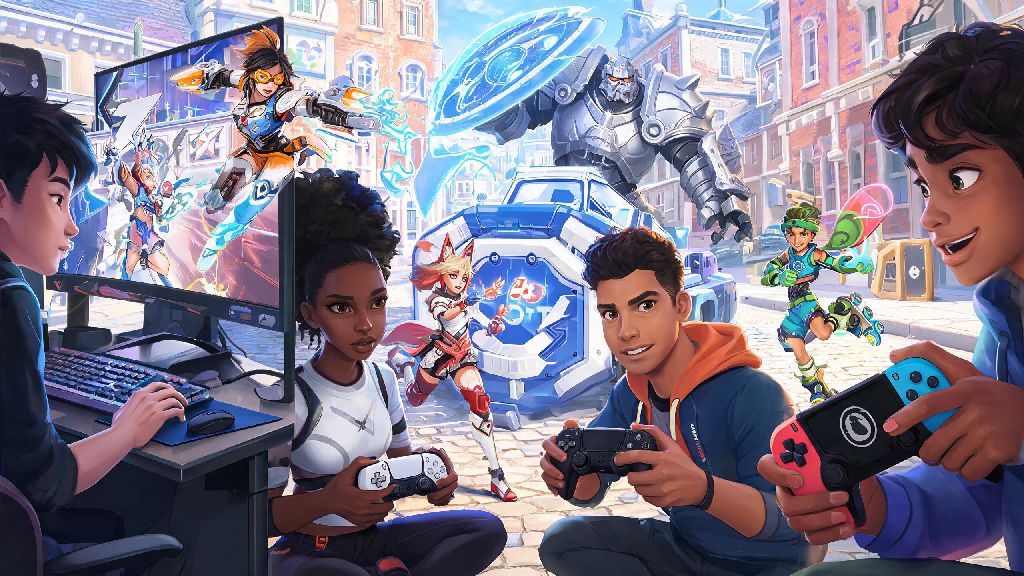
If you’ve ever wanted to grind Overwatch 2 competitive matches with a friend who plays on a different platform, you’ve almost definitely asked: can you play cross platform comp Overwatch 2? Quick play and arcade modes have supported crossplay for years, but competitive has always had extra restrictions to keep matches fair. Most players don’t realize the rules changed a while back, and there are now far more options to play comp across consoles and PC than there were at launch. We’ve put together all the official rules, eligibility requirements, and troubleshooting tips you need to stop guessing and start queuing with your cross platform crew.
Can You Play Cross Platform Comp Overwatch 2: Official Rules Breakdown
The short answer is yes, you can play cross platform comp Overwatch 2, but there are a few key restrictions depending on what platform you use and your queue preferences. Blizzard rolled out full cross platform competitive support for all queues back in 2023, after months of player feedback asking for the feature. The biggest caveat is that console players have full control over whether they want to match with PC players, since mouse and keyboard inputs give a natural advantage for aim-heavy play.
Crossplay between different console platforms (PlayStation, Xbox, and Nintendo Switch) is completely unrestricted for competitive play, with no opt-out option required. If you’re a console player who only wants to match with other controller users, you can toggle off crossplay with PC in your game settings, and you’ll only be placed in lobbies with other console players across all platforms. PC players don’t have the option to opt out of crossplay entirely, but they will only be matched with console players who have explicitly enabled PC crossplay.
I’ve tested both settings extensively, and I usually leave PC crossplay on when I’m playing with my PC friends, but turn it off when I’m grinding solo on my PS5 to avoid getting picked off by PC Widowmaker players every other round. It’s a flexible system that works for most playstyles, as long as you know where to find the settings.
Key Eligibility Requirements for Cross Platform Comp Queues
Before you queue up for cross platform comp, you need to make sure every member of your party meets all the eligibility requirements. Missing even one of these will leave you staring at an error message instead of loading into a match. The core requirements are:
One common mistake I see all the time is console players forgetting they turned off PC crossplay after a frustrating streak. A friend of mine spent 20 minutes troubleshooting his party settings last month before he realized he’d toggled crossplay off the week prior to avoid PC smurfs. If you’re getting an error when trying to join a cross platform group, that’s the first setting you should check.
Pros and Cons of Playing Cross Platform Competitive Overwatch 2
Cross platform comp isn’t for everyone, and there are clear upsides and downsides depending on what you want out of your competitive games. It’s important to weigh these before you enable crossplay, so you don’t end up frustrated by matches that feel unfair.
The biggest upside is easily shorter queue times. For support and tank players in low-population regions, you can cut your queue wait time by 70% in some regions when you enable cross platform play. I’ve had queue times drop from 15 minutes to under 2 minutes for support when I enable crossplay on my Switch account, which is a total game changer for casual play sessions. You also get to play with friends no matter what platform they own, which is the main reason most people enable the feature in the first place.
There are downsides too, though. The most obvious one is the input advantage for PC players. Mouse and keyboard users have far more precise aim than controller players, especially for fast, aim-heavy heroes like Tracer, Widowmaker, and Sojourn. Rank disparity between console and PC pools can lead to unbalanced matches sometimes too, since the skill required to hit Master on console is often lower than the skill required to hit Master on PC. That means you might end up matched with players who are far more or less skilled than their rank suggests when you play cross platform.
So if you’re grinding for a top rank or trying to hit a new skill tier for the first time, you might want to turn off PC crossplay if you’re a console player. If you’re just playing for fun with friends, though, the tradeoffs are almost always worth it. If you’re still on the fence about trying cross platform comp Overwatch 2, start with a few open queue matches first to test how the lobbies feel before you jump into role queue.
Common Cross Platform Comp Issues and How to Fix Them
Even if you meet all the eligibility requirements, you might run into small bugs or errors when queuing for cross platform comp. Most of these have simple fixes that take less than a minute to try, so you don’t have to give up on your play session.
The most common issue is party sync errors, where you can’t join a friend’s group even though you’re both on each other’s friends lists. The first fix to try is making sure both of you have the latest game patch installed, since mismatched game versions will block cross platform groups. If that doesn’t work, restart your game and your platform entirely, which usually fixes any temporary sync glitches.
Another common issue is getting a rank mismatch error even when your ranks seem to be within the allowed gap. Remember that PC and console ranks are calculated separately, so a console Diamond player might have an MMR that’s closer to a PC Platinum player, which can trigger the gap error if you’re grouping across PC and console. If this happens, try queuing for open queue instead of role queue first, since open queue has looser rank gap restrictions.
If you’re a console player who opted out of PC crossplay but still end up in lobbies with PC players, that’s usually a temporary bug. Go to your settings, toggle crossplay off and back on again, then leave and rejoin your queue to fix it. Finally, don’t panic if your competitive wins don’t show up across your PC and console accounts. Competitive ranks and MMR are separate for PC and console accounts, even if you use the same Battle.net account for both, so you’ll have a separate rank for each platform. Most of these small issues are just growing pains for cross platform comp Overwatch 2, and they usually get fixed in the next monthly patch.
At the end of the day, the answer to can you play cross platform comp Overwatch 2 is a resounding yes, as long as you follow the eligibility rules and adjust your settings to fit your playstyle. Whether you want to grind ranks with your console friends or cut down your queue times during slow play sessions, cross platform competitive is a great feature that adds a lot of flexibility to the game. Just remember to toggle PC crossplay off if you’re a console player looking for fairer, input-matched matches, and double check your settings if you run into any queue errors. Now go queue up with your cross platform crew and climb those ranks.