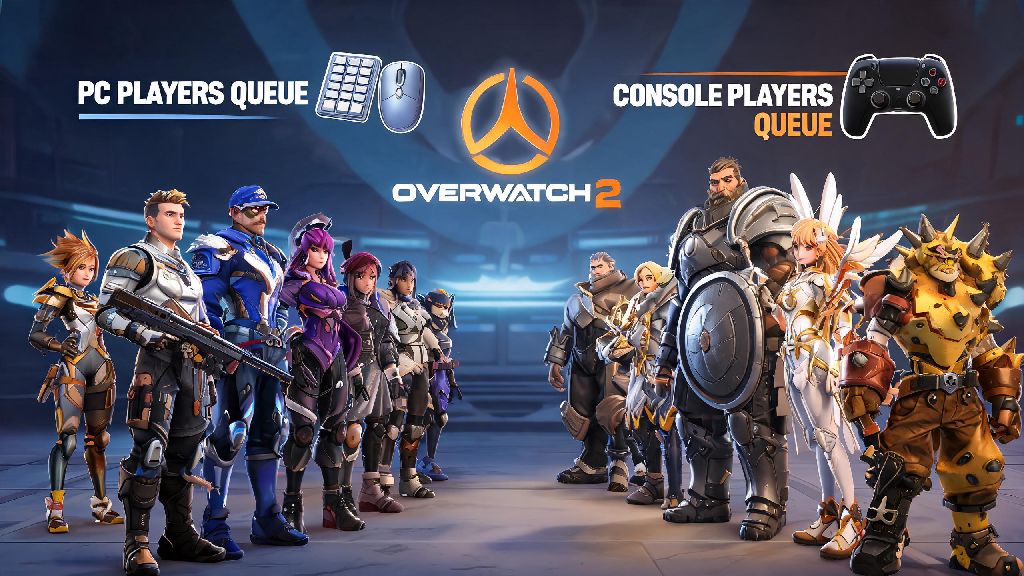
If you’ve ever queued for a ranked match on your PlayStation or Xbox and wondered if you’re going up against mouse and keyboard users on PC, you’ve probably asked: can PC and console play Overwatch 2 competitive together? Crossplay is one of the most requested features for modern multiplayer games, but competitive modes often have separate rules to keep matches fair, and Overwatch 2 is no exception. We’re breaking down exactly how crossplay works for ranked play, what restrictions apply, and how to adjust your settings no matter what platform you play on.
Can PC and Console Play Overwatch 2 Competitive Against Each Other?
The short answer is no, PC and console players cannot queue for standard Overwatch 2 competitive matches in the same lobby by default. Blizzard implemented this restriction to avoid the inherent advantage mouse and keyboard inputs give PC players over controller users on console, especially when it comes to fast, precise aim on DPS heroes like Tracer or Widowmaker. There is one exception, though: if you are in a cross-platform party with friends on both PC and console, you will be placed into a PC-only competitive lobby pool, even if most of your party is on console. That means all console players in a mixed party will be matched against PC players, and will compete against mouse and keyboard users for their rank gains and losses.
If you only play on console and never group with PC friends, you will never run into PC players in your competitive lobbies, and will only be matched against other controller users on the same console family or other console platforms. Many new players are caught off guard by this restriction when they first group with friends who play on PC, especially if they’ve only played casual quick play matches where crossplay is fully enabled with no restrictions. Quick play lobbies mix PC and console players freely, so it’s easy to assume the same rules apply to ranked, but Blizzard’s team made the call to separate the pools after extensive beta testing showed that even top 500 controller players on console struggled to keep up with average diamond PC players when playing DPS heroes. That’s not to say controller players can’t compete in PC lobbies at all, though: many high-rank controller players have climbed to GM in PC lobbies by specializing in tank or support heroes that don’t require constant fast aim adjustments.
Key Rules for Cross-Platform Competitive Play
Before you queue for a competitive match with friends on other platforms, make sure you understand the core rules that apply to cross-platform ranked play to avoid unexpected rank hits or mismatched lobbies. Here are the non-negotiable rules you need to know:
If you’re a console player who wants to test your skills against PC players without risking your console competitive rank, you can create a separate PC account to queue for PC competitive lobbies, but your rank will start fresh at Bronze 5, same as any new account. You can also use the crossplay custom game feature to create private competitive-style lobbies with friends on any platform, which won’t affect your official competitive rank at all. That’s a great way to practice against PC players before you decide to queue for official ranked play in a mixed party.
Tips for Playing Competitive in Mixed Platform Parties
If you do decide to queue for competitive with friends on PC while you’re on console, there are a few adjustments you can make to hold your own against mouse and keyboard users. First, turn on controller aim assist at 100% in your settings, as this feature is still enabled even when you’re playing in PC lobbies, and it’s the biggest advantage you have to level the playing field. Second, stick to heroes that rely less on precise flick aim and more on game sense, like Reinhardt, Lucio, or Brigitte, to minimize the gap between your controller input and mouse inputs. It’s also a good idea to take short breaks between long competitive sessions to avoid burnout, especially if you’re playing multiple matches back to back against more experienced PC players. Lots of players take 5 to 10 minute breaks between queues to stretch, grab a snack, or play a low-stakes casual game to reset their focus, and Jaiho Rummy is a popular pick for quick, low-pressure rounds that don’t require fast reaction times so you can refresh without getting pulled into a long, distracting session.
Third, communicate clearly with your party about team comps and playstyles, since you’ll be going up against coordinated PC teams that often use voice chat to call out positions and ult charge. Many console players who regularly play in mixed parties also recommend adjusting your controller dead zone settings to make your aim as responsive as possible, and turning off any unnecessary background features on your console to reduce input lag. Even a 10ms reduction in input lag can make a huge difference in how well you can track enemy players against mouse and keyboard users. If you find that you’re still struggling to win matches in PC lobbies, don’t get discouraged: it takes most controller players a few weeks of regular play to adjust to the faster pace of PC competitive lobbies, and you’ll likely see your win rate go up as you get more used to the playstyle.
Common Misconceptions About Overwatch 2 Crossplay Competitive
There are a lot of false claims floating around about crossplay for Overwatch 2 competitive, so we’re clearing up the most common ones here. First, a lot of console players think that PC players can queue into console lobbies if they use a controller, but that’s not true: your lobby pool is determined by your platform, not your input method, so any player on a PC will be placed into PC lobbies no matter if they use a controller or mouse and keyboard. Second, many players believe that crossplay leads to more smurfs in console lobbies, but since PC and console lobbies are separate by default, smurf accounts on PC can’t get into console-only competitive queues.
Third, some players think that crossplay is disabled for all competitive game modes, but that’s not true: crossplay is fully enabled for console vs console competitive play, so Xbox players can match with and against PlayStation and Switch players in ranked lobbies with no restrictions, as long as they have crossplay turned on. The only restriction is between PC and console platforms for default queuing. Another common myth is that you’ll get less rank progress for winning matches in mixed PC/console lobbies, but rank gains and losses are calculated the exact same way across all lobby pools, based on the average SR of both teams and your individual performance in the match.
At the end of the day, the question of can PC and console play Overwatch 2 competitive together comes down to how you queue. If you’re playing solo or only with friends on the same platform family, you’ll never have to worry about going up against PC players if you’re on console. If you want to play with friends across PC and console, you can do that too, just be aware you’ll be placed into PC lobbies where you’ll face mouse and keyboard users. Adjust your settings, pick heroes that fit your input method, and don’t be afraid to take breaks when you’re feeling burnt out to keep your rank climbing no matter what platform you play on.