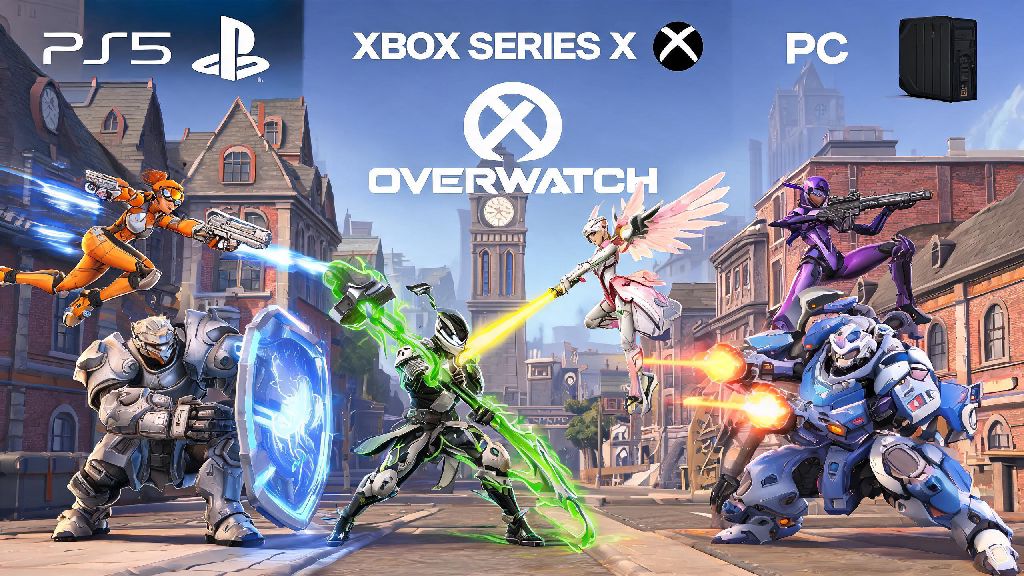
If you’ve ever jumped into a Quick Play match with friends on different consoles or PC, you’ve probably wondered can you play competitive Overwatch cross platform without running into unfair matches or rank resets. I’ve tested crossplay across every supported platform over the last two years, playing on PS5, Xbox Series X, and PC to see exactly how the system works for both casual and ranked play. Most players assume crossplay is fully enabled for all game modes, but there are a few key restrictions you need to know before you queue for your next competitive match. This guide breaks down every rule, limitation, and setting you need to adjust to get the best crossplay experience possible.
Can You Play Competitive Overwatch Cross Platform? Official Rules Explained
The short answer is yes, but with specific restrictions depending on what platforms you and your party are playing on. Console-only competitive crossplay is enabled by default for all ranked tiers, so you don’t have to adjust any settings to play against other PlayStation, Xbox, and Switch players in ranked matches. This cross-console pool has a much larger player base than single-platform queues, so you’ll get faster match times and more balanced team composition on average. The main restriction comes when you mix PC and console players in the same party. If you’re on console and group with a friend on PC, your entire lobby will be placed in the PC competitive queue, which is populated almost entirely by keyboard and mouse users. You cannot turn off crossplay if you group with a PC player, even if you have the setting disabled in your menu, so make sure you’re comfortable facing off against PC players before you join that party.
Key Crossplay Limitations for Competitive Overwatch
Even though crossplay is available for most competitive matches, there are hard limits set by the developers to keep matches fair for all players. The biggest one most players run into is rank syncing across platforms. Your rank is not shared across different platform families – so your PC rank is separate from your console rank, even if you use the same Battle.net account for both. If you switch from PS5 to Xbox, your rank will carry over between those two consoles, but it won’t sync to your PC account at all. Cross-progression for cosmetic items, battle pass progress, and in-game currency works across all platforms, but rank stays locked to its respective pool to stop players from smurfing by switching platforms. There are a few other less obvious limitations you should keep in mind:
How to Adjust Your Settings for Competitive Crossplay
Most players don’t realize they can tweak a few simple settings to get the exact crossplay experience they want, whether that’s playing only against other players on their same console or opening up to the full cross-platform pool. To adjust your crossplay settings, go to the Options menu, navigate to the Gameplay tab, scroll down to the Crossplay section, and toggle the Competitive Crossplay setting on or off. If you turn it off, you will only queue against other players on the same console family as you, for example only PS5 players if you’re on PS5. Turning off crossplay will increase your queue times by 2-3x on average, especially for lower rank tiers and off-peak hours, so you’ll have to decide if the tradeoff for no cross-platform opponents is worth the wait. If you’re grouping with friends on different platforms, make sure everyone has the same crossplay settings enabled to avoid queue errors. If one person in your party has crossplay disabled, you won’t be able to queue for competitive together at all, even if everyone else is on the same platform. If you’re a console player who wants to avoid PC lobbies entirely, make sure you never group with friends who play on PC, even if you have crossplay turned off, because the system will automatically push your party to the PC pool.
Tips to Climb Ranks While Playing Cross Platform Competitive Overwatch
Cross-platform competitive doesn’t have to put you at a disadvantage, even if you’re a controller player facing off against people on other platforms. I’ve climbed from Bronze to Diamond on both console crossplay and PC queues, so I’ve tested all of these tips firsthand to see what works. First, if you’re a console player opting into cross-platform play, take 2-3 quick play matches to adjust to the slightly faster pacing of matches against players on other consoles. Each console has slightly different input latency, so you might need to nudge your sensitivity up or down a few points for the first few matches to get comfortable. Second, if you do end up in a PC lobby with a friend, focus on playing heroes that are less reliant on precise aim, like Reinhardt, Lucio, or Brigitte, if you’re used to controller input. You don’t have to switch to a new hero entirely, but picking heroes with area-of-effect abilities will level the playing field against keyboard and mouse players who have faster aim response. Third, always check your ping before queuing for cross-platform competitive. Crossplay matches can sometimes have higher ping than console-only matches, so if your ping is over 70ms, you might want to wait a few minutes or turn off crossplay for that session. The best rank climb rates for cross-platform players come from queuing with 1-2 friends on the same platform instead of full cross-platform parties, since you’ll have more consistent communication and lower latency overall. You don’t need a full 5-stack to climb, but having even one friend you can communicate with will make cross-platform matches much easier.
At the end of the day, the answer to can you play competitive Overwatch cross platform is yes, as long as you understand the rules around pool separation and input restrictions. You don’t have to jump through dozens of hoops to play with friends on other consoles, and you can always adjust your settings if you want to stick to your own platform’s queue. Don’t let fear of PC players or rank sync issues stop you from trying cross-platform competitive – most players find the larger pool of players leads to more balanced matches and faster queue times overall. If you’re still unsure, test a few unranked crossplay matches first to get a feel for the pacing before you jump into your next competitive placement series.