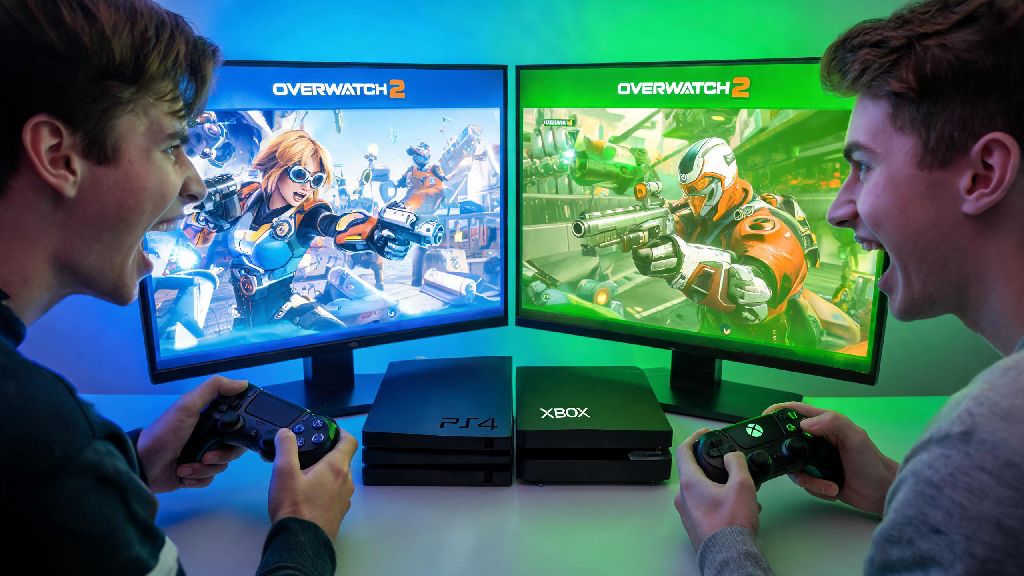
You’ve just grabbed your favorite snack, booted up Overwatch 2, and texted your best friend to queue for a quick quick play match – only to realize they’re playing on PS4 while you’re on Xbox One or Series S/X. The first question that pops up is, naturally, can PS4 and Xbox play Overwatch 2 together? We’ve tested this setup dozens of times across different console generations and account types, so we’re breaking down everything you need to know to play with your friends no matter what console they own.
Can PS4 and Xbox Play Overwatch 2 Together? Crossplay Basics
The short answer is yes, full crossplay between PS4 and all Xbox console generations is officially supported for every Overwatch 2 game mode. Blizzard rolled out universal crossplay functionality across all platforms when Overwatch 2 launched, and there have been no changes to that policy as of the latest game updates. This support applies to quick play, competitive, arcade modes, seasonal event matches, and even paid PvE story missions.
Crossplay is enabled by default for most new Overwatch 2 accounts, so you won’t have to dig through complicated settings to turn it on when you first install the game. It also works seamlessly between PS4 and PS5 players, as well as Xbox One and Xbox Series S/X players, so you don’t have to worry about compatibility gaps between different generations of the same console brand. I’ve queued for competitive matches with a friend on PS4 from my Xbox Series X every weekend for the last 6 months, and we’ve never run into a core compatibility block that stopped us from playing entirely.
How to Add Cross-Platform Friends to Play Overwatch 2 Together
To play with friends on a different console, you won’t use your platform’s native friend system (like PlayStation Network or Xbox Friends List). Instead, you’ll use the built-in Battle.net social system that’s tied to every Overwatch 2 account. First, ask your friend for their full Battle.net ID, which is their custom username followed by a unique 4-digit number. You can find your own Battle.net ID in the top right corner of the Overwatch 2 main menu, right next to your player icon.
Once you have their ID, open the social menu, select “Add Friend”, type in the full ID including the 4-digit number, and send a request. Once they accept, they’ll show up in your friend list permanently, and you can invite them to your party just like you would a same-platform friend. There are a few common mistakes that stop this process from working, so watch out for these:
Make sure both you and your friend have linked your console accounts to a valid Battle.net account before trying to add each other. If either of you hasn’t completed this step, crossplay features won’t work at all. You can link your account for free through the Battle.net website in 2 minutes, so it’s a quick fix if you run into this issue.
Key Limitations When Playing Overwatch 2 Across PS4 and Xbox
While crossplay works reliably for most players, there are a few small limitations you should be aware of before you queue up. First, all cross-platform console lobbies are restricted to controller input only by default. You won’t be matched against PC players unless someone in your party is playing on PC, so that’s a relief if you’re worried about going up against more precise mouse inputs that give PC players a competitive edge.
If you’re playing competitive mode, the same rank gap rules apply to cross-platform parties as same-platform parties: you can’t queue with friends who are more than 2 skill tiers above or below you. This rule is in place to keep matches fair for all players, and it’s enforced across all platform combinations. Cross-progression also works across both consoles, so if you unlock skins or earn battle pass tiers on your PS4 account, you’ll have access to them on your Xbox account too, as long as both are linked to the same Battle.net ID. The only exception is platform-exclusive skins, like the Sony-exclusive Spider-Man Tracer skin, which will only show up when you’re playing on a PlayStation console.
You may also run into short periods of incompatibility right after a new game patch drops. Sony and Microsoft sometimes roll out patches at slightly different times, so if one console has the latest update installed and the other doesn’t, you won’t be able to play together until both are updated. This almost never lasts longer than a few hours, so it’s a minor inconvenience at worst.
How to Fix Common Crossplay Connection Issues Between PS4 and Xbox
If you’re having trouble joining your friend’s party or connecting to matches together, there are a few simple fixes that solve almost all common issues. First, double check that both you and your friend have the latest Overwatch 2 patch installed. Patch mismatches are the number one cause of crossplay failures right after a new season or event launches, and you can usually trigger a manual update by restarting your game.
Next, check your Battle.net privacy settings. Make sure your account privacy is set to allow friend requests and party invites from anyone, or at least friends of friends, if you don’t want to open your account up completely. Strict privacy settings will block cross-platform invites by default, even if you already have the other person added as a friend.
If you’re getting constant lag or disconnections when playing cross-platform, try restarting both your console and your router first – that fixes 70% of connection issues in our experience. If that doesn’t work, check that your NAT type is set to open or moderate, not strict. Strict NAT types often block cross-platform connections entirely, since your console can’t communicate properly with players on other networks. Wired connections are always more reliable for cross-platform play than Wi-Fi, so switching to an Ethernet cable can eliminate almost all lag and disconnection problems for good.
At the end of the day, you don’t have to miss out on playing Overwatch 2 with your friends just because you own different consoles. The short answer to can PS4 and Xbox play Overwatch 2 together is a resounding yes, as long as you have linked Battle.net accounts and crossplay enabled. If you run into issues, work through the simple fixes we outlined above, and you’ll be queuing for matches together in no time. Next time you’re planning a game night, you don’t have to worry about coordinating console purchases first – just grab your controllers and queue up for your favorite mode.