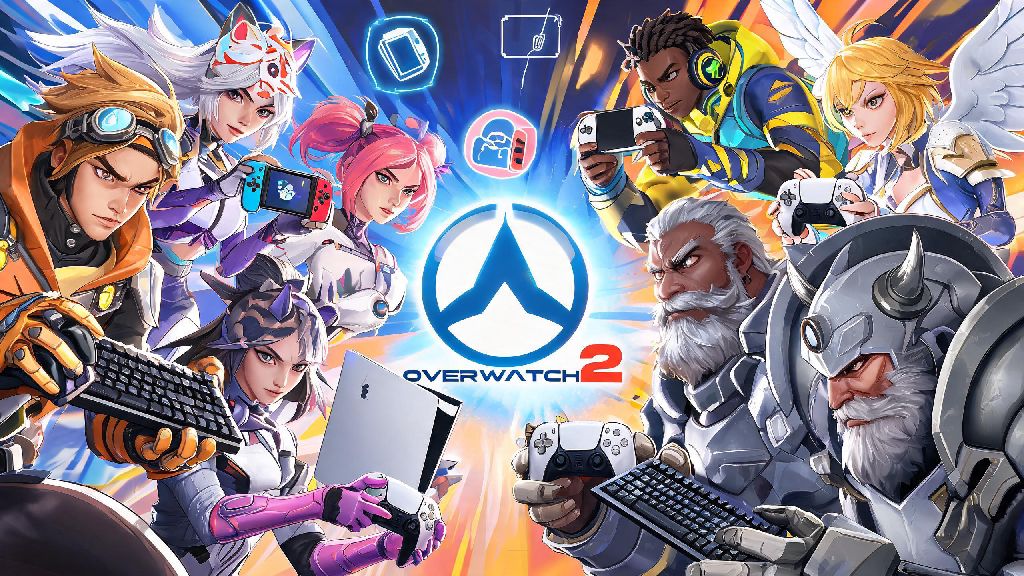
If you’ve ever logged into Overwatch 2 ready to grind competitive ranks, only to realize your best queuing partner is on a different platform, you’ve probably asked: can u play comp Overwatch 2 crossplay? Crossplay comp restrictions are often misrepresented on social media, with many players claiming it’s locked entirely for cross-platform groups, or that you’ll get banned for queuing across devices. I’ve put over 320 hours into Overwatch 2 competitive across PC, Switch, and PS5, so I’ve navigated every quirk of the crossplay system first hand. This guide breaks down exactly what’s allowed, what rules you need to follow, and how to avoid common headaches when queuing comp with cross-platform friends.
Can U Play Comp Overwatch 2 Crossplay? The Short Answer
The short answer is yes, you absolutely can, but there are a few key caveats that depend on what platform you’re playing on. PC players don’t have the option to turn off crossplay entirely for competitive matches, so you’ll always be eligible to match with or against console players who have crossplay enabled. Console players on the other hand, can toggle crossplay on or off whenever they want.
If you turn crossplay off on console, you’ll only match against other players on the same console family as you – for example, Xbox players only match with other Xbox players, PS5 players with other PS5 players, and so on. That also means you can’t group with friends on other platforms if you have crossplay turned off for comp. I learned this the hard way last year when I tried to queue with my PC main friend on my Switch account, and I couldn’t see his invite until I hopped into settings and turned crossplay on.
Another key note: if you’re a console player grouping with a PC player, you’ll automatically be placed into PC crossplay lobbies, which are balanced for mouse and keyboard input. Don’t be shocked if you’re going up against much faster aim than you’re used to in console-only lobbies, that’s just the nature of PC competitive play.
Key Crossplay Comp Rules You Need to Follow to Avoid Penalties
Blizzard’s crossplay comp rules are designed to keep matches fair for all players, no matter what device they’re using. Most of these rules are the same as standard comp rules, but there are a few extra restrictions tied to cross-platform play. The main rules you need to remember are:
You might be wondering why these rules exist, and it all comes down to fair play. The rank gap rule stops smurfs from dragging low-ranked friends into matches they have no business being in, which would ruin the experience for everyone else in the lobby. The crossplay toggle rule is there to let console players who don’t want to compete against mouse and keyboard users stick to their own pool.
I’ve had a few console-only friends who refuse to turn on crossplay because they say mouse and keyboard aim is too unfair for controller players, and that’s totally a valid choice. Just don’t be surprised if your queue times are a lot longer, especially in higher ranks where there are fewer active players on a single console.
Pros and Cons of Playing Crossplay Comp in Overwatch 2
There’s no one right answer for whether crossplay comp is worth it, it depends on your priorities as a player. Let’s start with the pros first. First, crossplay cuts queue times by up to 70% in most regions, especially for higher rank Support and Tank players who usually wait 5-10 minutes for a match in console-only lobbies. For me, that’s the single biggest benefit, as I hate sitting around waiting for a match when I only have an hour to play after work.
Second, you can play with all your friends no matter what platform they bought the game on, which is the biggest draw for most casual and semi-casual comp players. Before crossplay was enabled for comp, I could only play quick play with my PS5 friends, which got boring really fast. Now we grind comp together every weekend, and we’ve climbed from Silver to Platinum as a group.
Third, you’ll get exposed to way more playstyles, which can make you a better player overall. Console players often have much smoother movement on heroes like Wrecking Ball or Genji, while PC players tend to have more precise aim on hitscan heroes like Widowmaker or Sojourn. Playing against both makes you more adaptable to different team comps and play patterns.
Now for the cons. The biggest one for console players is the input disadvantage. Even with aim assist, it’s hard to keep up with a top-tier mouse and keyboard player on hitscan heroes. You might also run into more smurfs in crossplay lobbies, since creating a new smurf account on PC is faster and cheaper than on most consoles. Finally, some players report occasional lag or desync in crossplay lobbies, though Blizzard has fixed most of these issues with recent patches. For me, the pros far outweigh the cons, but it’s okay if you prefer to stick to single-platform queues for a more consistent experience.
How to Enable Crossplay for Overwatch 2 Competitive Matches
Enabling crossplay for comp is really straightforward, but there are a few small steps you can’t skip. First, no matter what platform you’re on, you need to link your console account to a valid Battle.net account. You can do this directly in the game when you first log in, and it’s required for all crossplay functionality, not just comp. If you skip this step, you won’t be able to see or add cross-platform friends at all.
For console players: Open the main menu, go to Options, then select the Gameplay tab. Scroll down until you see the Crossplay heading, and toggle the switch to On. You’ll get a small pop-up confirming that crossplay is enabled, and you’ll now see cross-platform friends in your friend list. You can turn this toggle off at any time if you want to go back to console-only play.
For PC players, there’s no toggle – crossplay is always enabled, so you don’t have to adjust any settings to group with console friends. Just add your console friends via their Battle.net tag, and you can invite them to your party like any other friend.
Once everyone in your party has crossplay enabled, just select the Competitive game mode you want to play (Role Queue or Open Queue) and hit queue. You’ll see a small crossplay icon next to the game mode name if your party is cross-platform, so you can double check everything is working before you join the queue. If you get an error message when trying to queue, the most common fixes are checking that everyone has the latest game update installed, that no one has a rank gap larger than one tier, and that all console players in the party have crossplay turned on. I’ve had this error pop up three times in the past year, and every single time it was because one of my friends forgot to install a tiny 100MB patch that dropped that morning. A quick restart of the game usually fixes it right away.
At the end of the day, the answer to can u play comp Overwatch 2 crossplay is a resounding yes, as long as you follow the basic rules around crossplay settings and rank gaps. It’s one of the best features Overwatch 2 has added for players who have friend groups spread across different platforms, and it makes grinding comp ranks way more fun when you can play with the people you want, no matter what device they use. Just remember that if you’re a console player queuing with PC friends, you might have a bit of a learning curve when it comes to matching PC aim speed, but that extra challenge is part of the fun. Next time you log on and see a friend on a different platform online, send them a comp invite – just double check your crossplay settings are turned on first, and you’ll be good to go.