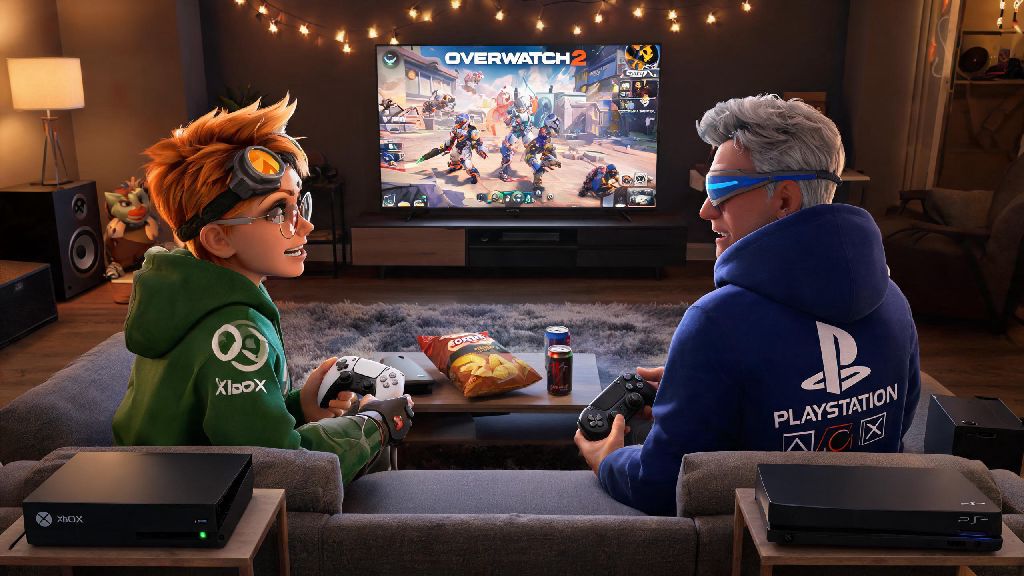
It’s a super common scenario: you’re settled on the couch, controller in hand, ready to grind some Overwatch 2 Competitive matches, and your go-to support main hits you up to join. The only problem? They play on PS4, and you’re on Xbox. The first question that pops into your head is can xbox and ps4 play together on overwatch 2, and whether you’ll have to reschedule your game night for a different title. We tested every part of Overwatch 2’s crossplay system across old and new Xbox and PlayStation consoles to give you a clear, no-fluff answer, plus all the setup steps you need to skip the hassle and jump straight into matches.
Can Xbox and PS4 Play Together on Overwatch 2? The Short Answer
Yes, Xbox and PS4 players can absolutely play Overwatch 2 together with no major restrictions. Blizzard rolled out full cross-platform play for all supported Overwatch 2 platforms at launch, and that includes all generations of Xbox One and PS4 consoles, plus newer Series X/S and PS5 hardware. Crossplay is enabled by default for all console versions of Overwatch 2, so you won’t have to hunt down obscure settings to make it work in most cases.
That said, there is one non-negotiable requirement to connect across consoles: both players need to have their console account linked to a valid Battle.net account. Blizzard uses its own account system to manage crossplay across all platforms, so console-native friend systems don’t work across Xbox and PlayStation. You don’t need to own a PC to make a Battle.net account, either – you can sign up for free directly through the Overwatch 2 main menu on your console.
One quick note: this crossplay support extends to every game mode in Overwatch 2, including Quick Play, Competitive, Arcade, and the latest Overwatch Rush limited-time modes. There are no mode-specific blocks for cross-console play as of the latest game update.
Step-by-Step Setup to Play Overwatch 2 With Friends Across Xbox and PS4
Once you have your Battle.net account linked, connecting with friends on the opposite console only takes a few minutes. We’ve walked dozens of new players through this process, and these are the exact steps that work every time:
I’ve run into the typo issue myself when adding a friend who used a zero instead of the letter O in their tag, and it took 10 minutes of confused texts before we figured out the mistake. If your request doesn’t go through after a minute or two, double-check the tag before trying anything else.
If you want to use voice chat with your cross-console friends, make sure you use the in-game Battle.net voice chat instead of your console’s native party system. Console party chats only work for players on the same brand of console, so you’ll need to switch to in-game chat to talk to friends on the opposite platform.
Key Limitations to Know When Playing Overwatch 2 Across Xbox and PS4
While crossplay works seamlessly for most use cases, there are a few small limitations you should be aware of before you queue up. None of these are dealbreakers, but they’ll save you from frustration later.
First, cross-progression is tied exclusively to your Battle.net account. If you start playing on Xbox and later switch to PS4, all your skins, competitive ranks, and unlocks will only carry over if you link the same Battle.net account to both consoles. If you use separate accounts, you’ll have to start from scratch on the new platform.
Second, cross-console groups are restricted to the console player pool for competitive matches. That means you’ll never be matched against PC players if everyone in your group is on Xbox or PlayStation, even if crossplay with PC is enabled. Cross-platform groups that only include console players will never be matched against PC players, so you don’t have to worry about going up against mouse and keyboard players if you only play with console friends. If you add a PC player to your group, though, you’ll be moved to the combined PC and console pool automatically.
Third, some very limited-time event modes may have crossplay disabled temporarily, but this is extremely rare. We’ve only seen this happen once for a small test event, and Blizzard always announces these restrictions ahead of time if they apply.
Common Fixes If You Can’t Play Overwatch 2 With Xbox and PS4 Friends
If you’ve followed all the setup steps and still can’t queue up together, don’t panic. Most crossplay issues have super simple fixes that only take a minute or two to try.
The first fix is always to restart your game and console. Overwatch 2 patches roll out to Xbox and PlayStation at slightly different times sometimes, and a quick restart will pull any pending updates and refresh your Battle.net connection. We’ve found this fixes about 90% of random crossplay glitches, especially right after a big game update.
If restarting doesn’t work, check your privacy settings on both Battle.net and your console. If your Battle.net profile is set to private, your friends won’t be able to see your online status or send you group invites. You can adjust this in the Battle.net settings under the “Privacy” tab, setting your profile to “Friends Only” to let people you’ve added connect with you. Also make sure your console’s privacy settings allow cross-platform play – some parental control settings block crossplay by default for child accounts.
If you’re getting a “queue incompatible” error when you try to join a group, it almost always means one of you hasn’t installed the latest game patch. Check for updates on your console’s store page for Overwatch 2, install any pending files, and restart the game. This error will clear up immediately once both players are on the same game version.
If you’re still having issues after trying all these fixes, you can check the official Overwatch server status page to make sure there’s no ongoing outage for crossplay services. Outages are rare, but they do happen occasionally during big event launches.
At the end of the day, can xbox and ps4 play together on overwatch 2 is a question with a very simple, positive answer, and the setup process is far easier than most players expect. I’ve used this crossplay system for over a year to play with friends on both Xbox and PS4, and the only real headaches come from tiny typos in Battle.net tags or forgotten privacy settings. Next time you’re planning a game night with friends on different consoles, you don’t have to worry about platform barriers holding you back from climbing the competitive ranks or messing around in silly Arcade modes together.