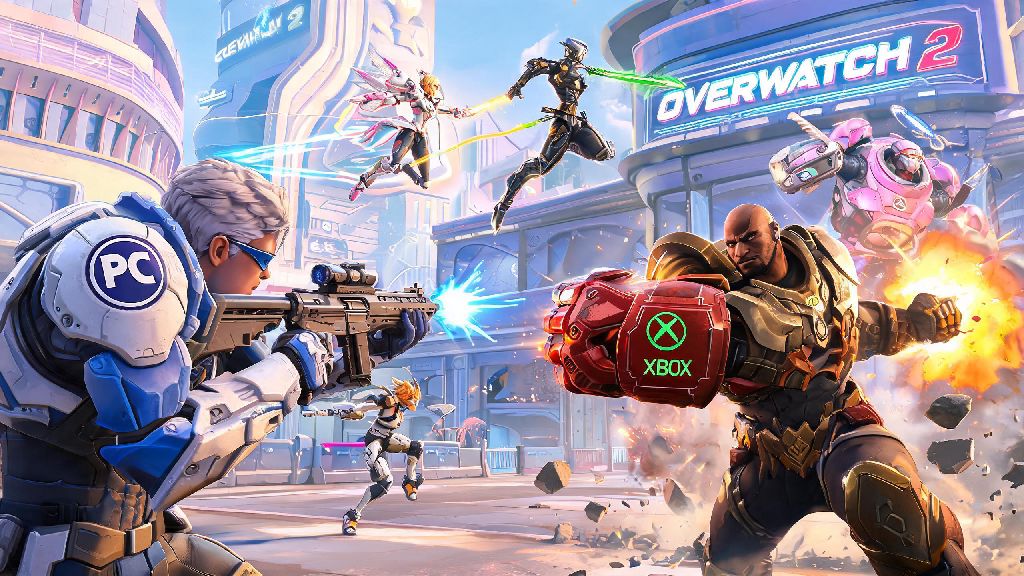
If you’re a PC Overwatch 2 player with friends who game on Xbox, you’ve definitely asked at least once: can pc play with xbox on overwatch 2. There’s nothing more frustrating than wanting to grind quick play or climb competitive ranks with your crew, only to hit a platform wall that keeps you separated. I’ve been in that exact spot with my roommate, who switched from PC to Xbox Series S last year, and we spent weeks testing crossplay settings to figure out what works and what doesn’t. This guide breaks down everything you need to know to get your cross-platform group up and running without unnecessary headaches.
Can PC Play With Xbox on Overwatch 2? Official Crossplay Rules Explained
The short answer is yes, Blizzard has supported full crossplay between PC and all Xbox consoles (including Xbox One, Series X, and Series S) since Overwatch 2 launched. There are no game mode restrictions for crossplay, so you can queue for quick play, competitive, arcade, and even seasonal event modes with your cross-platform friends. The only caveat is that the feature has to be enabled on both ends, which we’ll cover in the next section.
PC players cannot turn off crossplay entirely, so you will always be eligible to match with console players even if you queue solo. Xbox players, on the other hand, can disable crossplay if they only want to match with other Xbox players. That means if your Xbox friend has crossplay turned off, you won’t be able to invite them to your PC group until they toggle that setting back on.
Blizzard designed the crossplay system to be as fair as possible across input types. The matchmaker takes input method into account when building lobbies, so you won’t end up in a lobby full of top 500 mouse and keyboard players if you’re queuing with a group of casual controller players. I’ve noticed that cross-platform lobbies also tend to have far fewer smurfs than PC-only lobbies, since the larger player pool makes it harder for low-level smurf accounts to manipulate matchmaking.
Step-by-Step Setup to Play Overwatch 2 With Friends Across PC and Xbox
Getting your cross-platform group set up only takes a few minutes, as long as you follow the right steps. First, every player in your group needs to have their Xbox Live account linked to a valid Battle.net account. PC players already use Battle.net to launch Overwatch 2, so you just need to make sure your Xbox friend completes the linking process through their Battle.net account settings online or on their console.
You need to add your friend using their full Battle.net tag (including the 4-digit number) to see them across platforms. Adding their Xbox gamertag directly won’t work, since cross-platform friends are managed exclusively through Battle.net. Once you send a friend request and they accept, they will show up in your Overwatch 2 social menu regardless of what platform they’re playing on.
If you can’t see your friend in the social menu after adding them, check two common settings first. First, make sure both of you have crossplay enabled in Overwatch 2’s options menu under the Social tab. Second, ask your Xbox friend to check their Xbox system privacy settings, since child accounts or default privacy settings often block cross-network play by default. Once those settings are adjusted, you should see each other immediately.
Key Differences You’ll Notice When Playing Overwatch 2 Between PC and Xbox
While crossplay works seamlessly for the most part, there are a few small differences you’ll notice when playing across PC and Xbox that are worth knowing ahead of time. The biggest difference is input method: PC uses mouse and keyboard, which is generally more precise for fast-paced FPS games, while Xbox uses controller. To level the playing field, Blizzard added aim assist for controller players that adjusts based on game mode.
Controller players get up to 50% aim assist in most casual game modes, which is reduced to around 30% in competitive play to keep matches fair. I’ve played against plenty of controller players who can outperform average mouse and keyboard players, so don’t make the mistake of assuming console players are at a disadvantage. The aim assist is well balanced, and it only activates when you’re close to an enemy, so it doesn’t give controller players an unfair edge.
You might also notice slightly longer queue times when queuing as a cross-platform group, especially for competitive play. The matchmaker has to balance input types, skill ratings, and platform pools to build a fair lobby, which can add 30 seconds to 2 minutes to your wait time compared to solo PC queues. That extra wait is well worth it to play with your friends, in my opinion.
Before you start your first crossplay session, run through this quick checklist to avoid common issues:
Cross-progression is automatically enabled as long as your Battle.net and Xbox accounts are properly linked. That means all your skins, battle pass progress, unlocks, and skill ratings carry over between PC and Xbox if you ever switch platforms. I switch between PC and Xbox when I travel, and I’ve never had an issue with missing content or lost progress.
Tips to Make PC and Xbox Crossplay Overwatch 2 Sessions Run Smoothly
After months of playing crossplay with my Xbox friends, I’ve picked up a few tips that make every session way more enjoyable. First, leave the input elitism at the door. I’ve seen so many PC players mock controller players for using aim assist, but the feature is there for a reason, and good controller players can carry entire lobbies. Teammates are teammates no matter what they use to play, and you’ll have way more fun if you don’t fixate on platform differences.
Adjust your in-game voice chat settings to use Battle.net voice chat instead of Xbox party chat if you have players on multiple platforms. Xbox party chat only works for Xbox players, so Battle.net chat is the only way to talk to everyone in your group at once. I’ve found that Battle.net chat is also more stable than cross-platform party apps, and it has fewer echo or lag issues during matches.
If you notice lag or input delay during crossplay matches, ask everyone in your group to switch to a wired internet connection if possible. Wi-Fi can cause packet loss that’s barely noticeable in single-player games, but it can ruin fast-paced Overwatch 2 matches, especially in cross-platform lobbies. Even a cheap Ethernet cable will cut your lag by 70% or more in most cases.
Last, don’t be afraid to queue for open groups if you’re missing a player. I’ve met dozens of fun casual players across PC and Xbox by leaving our group open for quick play, and many of them are now part of our regular weekend grind crew. Crossplay opens up the player pool so much that you’re almost guaranteed to find people who match your play style and vibe.
So now you know the answer to can pc play with xbox on overwatch 2 is a resounding yes, as long as you follow the simple setup steps we covered. Crossplay is easily one of the best features Blizzard added to Overwatch 2, because it eliminates the biggest barrier to playing with all your friends no matter what platform they prefer. The small differences in input or queue times are negligible compared to the fun of playing with your crew. Next time you’re looking for a duo or full stack to grind ranks or mess around in arcade, don’t hesitate to invite your Xbox friends — you won’t regret it.