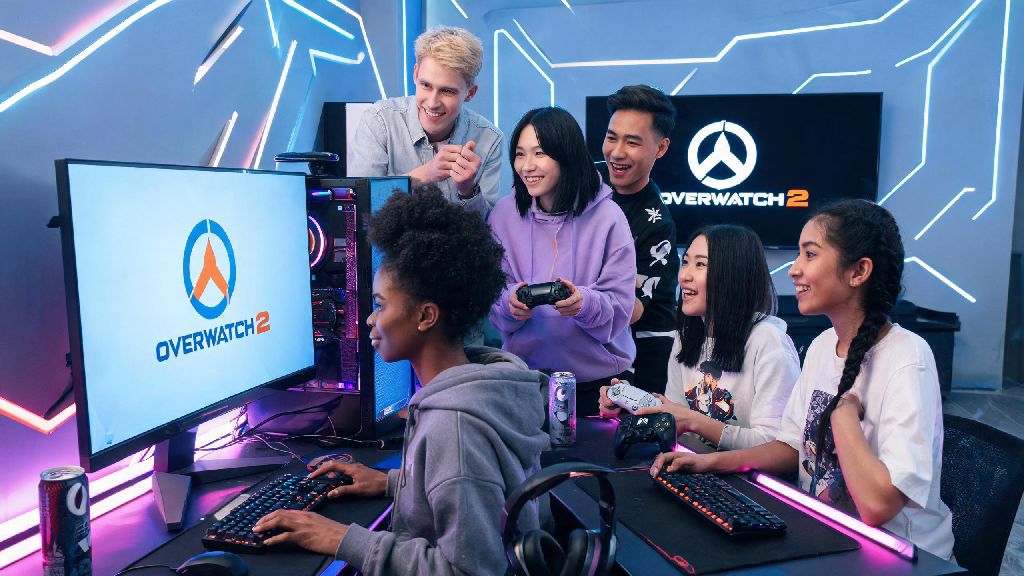
Nothing kills the vibe of a game night faster than wondering if you and your friends on different devices can team up together. If you’ve ever asked can PC play with console on Overwatch 2, you’re not alone – this is one of the most common questions new and returning players ask when they hop back into the hero shooter. I’ve spent hundreds of hours playing across both PC and console versions, so I’m breaking down exactly how crossplay works, what restrictions apply, and how to make the most of cross-platform matches without frustration. We’ll also cover how Blizzard balances input differences so no one feels like they’re at an unfair disadvantage before a match even starts.
Can PC Play With Console on Overwatch 2: Official Crossplay Rules
So when asking can PC play with console on Overwatch 2, the short answer is yes, for almost all game modes. Crossplay is supported across every platform the game is available on, including PC (both Battle.net and Steam versions), PlayStation 4 and 5, Xbox One and Series X/S, and Nintendo Switch. The only requirement for all players is that they link their platform profile to a free Blizzard account, which you can set up in 2 minutes when you first launch the game. Crossplay is enabled for all game modes except Competitive Play by default, but there are rules in place to keep matches fair even when players are on different devices. For Competitive Play, matchmaking is based on input type rather than platform, so mouse and keyboard players (no matter if they’re on PC or a console with a keyboard connected) will only be matched against other mouse and keyboard players, and controller players will only face other controller players. You do not need to pay for any additional subscriptions to play cross-platform with friends beyond the standard console online subscriptions you already need to play online games on Xbox or PlayStation. Blizzard does not lock crossplay behind any paid upgrade, so even free-to-play players can join cross-platform parties with no extra cost.
How to Set Up a Cross-Platform Party With PC and Console Friends
Setting up a cross-platform party is far simpler than most players expect, and only takes a few steps once everyone has their Blizzard account linked. You can’t add friends using their platform-specific gamertag, though – you’ll need to use their Blizzard Battletag, which is the unique username with a 4-digit number at the end that every player gets when they create their account. Follow these simple steps to get your party up and running:
How Blizzard Balances PC and Console Play for Fair Matches
The biggest concern most players have about crossplay is that PC players with mouse and keyboard will have an unfair advantage over controller players on console, and that’s a valid worry. Luckily, Blizzard has put multiple systems in place to make sure matches feel fair for everyone, no matter what input they use. For casual modes, matchmaking uses a hidden input-based ranking system, so you’ll usually be matched against players with similar skill levels on the same input as you, unless you’re in a party with mixed inputs. If your party has both mouse and keyboard and controller players, the lobby will be adjusted to match the average skill level of the highest-ranked input group, so no one gets steamrolled right out of the gate. Aim assist for controller players is turned up slightly in lobbies with mouse and keyboard players to help level the playing field. From my own experience playing both inputs, this adjustment makes a huge difference: controller players still get the smooth tracking help they’re used to, while mouse and keyboard players keep their precision advantage for long-range hitscan shots. The balance isn’t perfect, but it’s good enough that casual matches don’t feel one-sided most of the time. Blizzard also confirms that rank is consistent across platforms, so a Platinum-ranked controller player on console is at the same skill level as a Platinum-ranked controller player on PC. You don’t have to worry about playing against players who are way better than you just because they’re on a different device.
Tips for Enjoying Cross-Platform Overwatch 2 Matches
Crossplay works really well out of the box, but there are a few small adjustments you can make to make your cross-platform sessions even more fun, especially if you’re playing with friends of different skill levels. First, use voice chat as much as possible. Text chat is hard for console players to use mid-match, since they have to pull up a virtual keyboard to type, so voice chat makes communication way faster and easier. If you don’t want to use the in-game voice chat, a third party voice app works just as well for private parties. If you’re a PC player joining a party of console friends, consider picking heroes that don’t rely on extreme aim precision to be effective if you want to keep matches casual and fun. Heroes like Reinhardt, Mercy, Lucio, or Junkrat work great for this, and you’ll still be able to contribute a lot to your team without making the other team feel like they’re playing against someone with an unfair advantage. If you want to play your main Widowmaker, that’s fine too – just don’t be surprised if the other team complains a little in chat. Another tip is to turn on cross-progression if you play on both PC and console. This lets you keep all your skins, battle pass progress, and rank no matter what device you’re playing on, so you don’t have to start over from scratch if you switch between PC and console when you’re traveling or playing at a friend’s house. If you ever feel like crossplay matches are too unbalanced, you can always turn crossplay off to only match with players on your own platform, or stick to Competitive Play where input is locked. At the end of the day, casual matches are meant to be fun, so don’t stress too much about wins and losses when you’re playing with friends across different devices.
At the end of the day, the answer to can PC play with console on Overwatch 2 is a resounding yes, with very few restrictions to get in the way of playing with your friends no matter what device they own. As long as you take a minute to set up your Blizzard account link, double check your crossplay settings, and remember to prioritize fun over wins in casual lobbies, cross-platform play is one of the best features of the modern version of the game. If you haven’t tried playing with friends on other platforms yet, give it a shot this week – you might be surprised at how seamless the whole process is.