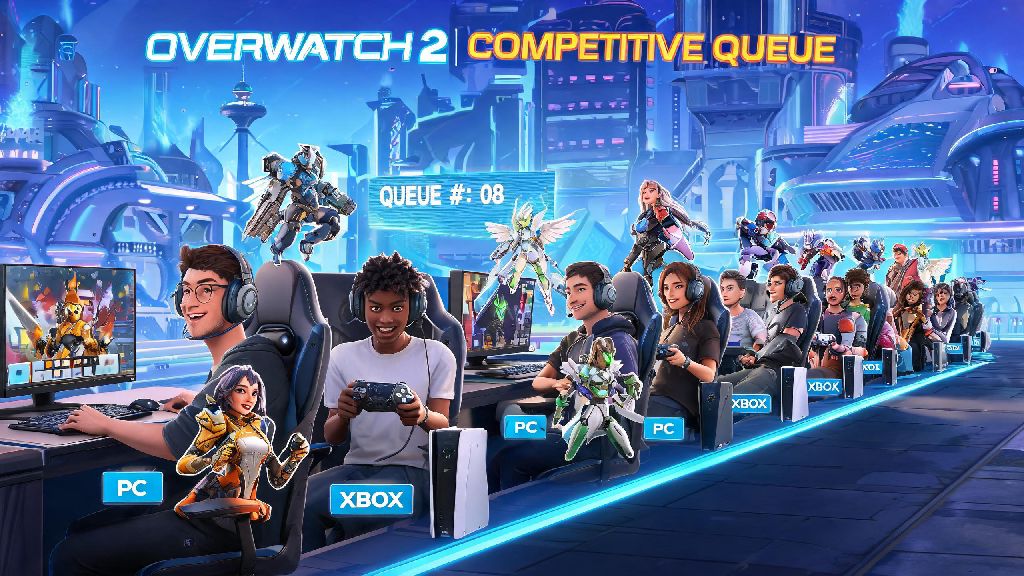
If you’ve ever queued for Overwatch 2 ranked with a friend who plays on a different platform, you’ve probably asked: can PC and Xbox play competitive on Overwatch 2? Crossplay has been a core part of the game since its launch, but competitive mode has extra rules that don’t apply to quick play or arcade modes. I’ve spent hundreds of hours playing ranked across both PC and Xbox Series X, so I’ve sorted through all the fine print, tested the settings, and figured out exactly what works and what doesn’t for cross-platform competitive play. This guide breaks down every rule, setting, and tip you need to know before you queue up with your cross-platform squad.
Can PC and Xbox Play Competitive on Overwatch 2? The Official Crossplay Rule Breakdown
The short answer is yes, but there are a few important rules you need to know before you queue. Blizzard first rolled out cross-platform competitive support back in late 2022, after months of player feedback asking for the ability to play ranked with friends on other devices. Prior to that update, crossplay was only available for casual modes, which left a lot of players frustrated if their main group used a mix of PC and console. You don’t need to toggle any special settings to queue cross-platform for competitive, as long as you have crossplay enabled in your gameplay settings and are friends on Battle.net (not just console network friends).
When you group with a mix of PC and Xbox players, your entire squad will automatically be placed in the PC competitive pool, regardless of how many players are on each platform. If you are an Xbox player queuing solo, you will never be matched against PC players by default, and will only play against other console users in your region. This rule applies to all rank tiers from Bronze to Top 500, and there are no exceptions for premade groups of any size. I tested this last month when I queued with my roommate who plays on a RTX 4070 rig, and we got placed in lobbies with mostly PC players, plus a handful of other console players grouped with PC friends.
Key Differences Between PC-Xbox Competitive Lobbies and Single-Platform Queues
Cross-platform competitive lobbies don’t play exactly the same as single-platform PC or Xbox queues, and there are a few core changes you’ll notice right away when you queue with mixed platform friends. Many Xbox players worry that they’ll be at a huge disadvantage playing against mouse and keyboard users, but the balancing changes Blizzard has implemented go a long way to level the playing field. I’ve played hundreds of matches in both pure Xbox lobbies and crossplay PC lobbies, and I barely notice the difference when I’m playing heroes that fit controller input.
Here are the most important changes you can expect:
Controller aim assist is turned down by roughly 30% in PC crossplay lobbies, which is the most noticeable change for most Xbox players. The only time I feel a noticeable gap is when I’m trying to play hitscan heroes like Widowmaker, which is why I always swap to a more controller-friendly pick when I queue with my PC friends. You’ll also notice that PC lobbies tend to have slightly faster average reaction times, but the gap is much smaller than most new crossplay players expect.
Tips to Win More PC-Xbox Competitive Matches, No Matter Your Platform
Cross-platform competitive doesn’t have to be a disadvantage, no matter what device you play on. I’ve climbed from Bronze to Diamond on both PC and Xbox, and I’ve picked up a lot of tricks that make playing with mixed platform squads far easier. The biggest mistake most new crossplay players make is sticking to their usual playstyle instead of adapting to the strengths of their squad.
If you’re an Xbox player grouping with PC friends, Stick to heroes that work best with controller input to get the most out of your adjusted aim assist. Tanks like Reinhardt, Winston and Orisa work great on controller, as do support heroes like Mercy, Lucio and Baptiste, and damage heroes like Junkrat, Soldier 76 and Reaper. Save high-precision hitscan picks for your PC teammates who have the benefit of mouse and keyboard accuracy. If you’re an Xbox player who’s never played in a PC lobby before, don’t jump straight into competitive right away. Spend a few hours in quick play crossplay first to get used to the lower aim assist and faster pace of PC lobbies. I made that mistake when crossplay competitive first launched, and I lost 6 of my first 7 placement matches because I wasn’t used to the faster reaction times of many PC players. After a week of practicing in quick play, I climbed 2 entire rank tiers in my next round of competitive matches.
If you’re a PC player grouping with Xbox friends, Adjust your playstyle to match your squad’s strengths. If your Xbox teammates are playing tank and support, pick high-mobility damage heroes like Tracer or Genji that can flank and catch enemies off guard, while your teammates hold the front line. Communication is even more important in cross-platform lobbies, so make sure to use in-game voice chat to call out enemy positions, ultimate charge status and incoming attacks. Last season I grouped with a Xbox main support who was ranked Grandmaster on console, and they carried our team through 8 straight wins in Diamond PC lobbies without breaking a sweat, so don’t make the mistake of writing off console players just because they use a controller.
Common PC-Xbox Competitive Crossplay Issues and How to Fix Them
Even with Blizzard’s polished crossplay system, you might run into a few common issues when queuing for competitive with mixed platform friends. Most of these issues have simple fixes, and you don’t need to do anything complicated to get your group queuing smoothly.
The most common issue is not being able to see your cross-platform friend in your group invite list. This almost always happens because either you or your friend have crossplay disabled, or you haven’t added each other as Battle.net friends. Console friends only show up for casual modes, so you’ll need to add each other on Battle.net to queue for competitive together. Another common issue Xbox players run into is feeling like the reduced aim assist is too weak to compete against PC players. You can adjust your aim assist settings individually per game mode, so you can save a custom controller profile specifically for cross-platform competitive play. Try slightly increasing your aim assist window or magnetism to make up for the reduced strength, but don’t crank these settings too high or you’ll find your aim sticking to enemies you don’t want to target.
Another common issue players run into is unexpected lag when playing cross-platform competitive. This is usually because one player has a poor internet connection, or because your crossplay region is set to a location far away from your group. To fix this, make sure all players in your group have their region set to the same closest location, and use a wired internet connection if possible. Wireless connections are far more likely to cause lag spikes, which can be the difference between winning a team fight and losing a match. A lot of players also ask if they can merge their PC and Xbox competitive ranks to avoid replaying placement matches on different devices. There is no way to merge your PC and Xbox Overwatch 2 competitive ranks, as Blizzard keeps platform-specific MMR separate to ensure fair matchmaking for all players. Your cosmetic items and battle pass progress are shared across platforms, but you’ll need to play separate placement matches for PC and Xbox if you want to play competitive on both.
At the end of the day, the answer to can PC and Xbox play competitive on Overwatch 2 is a clear yes, as long as you understand the pool rules and adjust your settings and playstyle to fit the cross-platform lobby. Crossplay competitive is one of the best ways to play with friends no matter what device they own, and the balancing changes Blizzard has rolled out over the past year make it far fairer than it was at launch. Whether you’re a mouse and keyboard main or a diehard Xbox controller player, you can climb the ranks and have a great time playing with your cross-platform squad as long as you communicate and play to your strengths. Next time you’re looking to queue ranked with a friend on a different platform, you’ll know exactly what to expect.