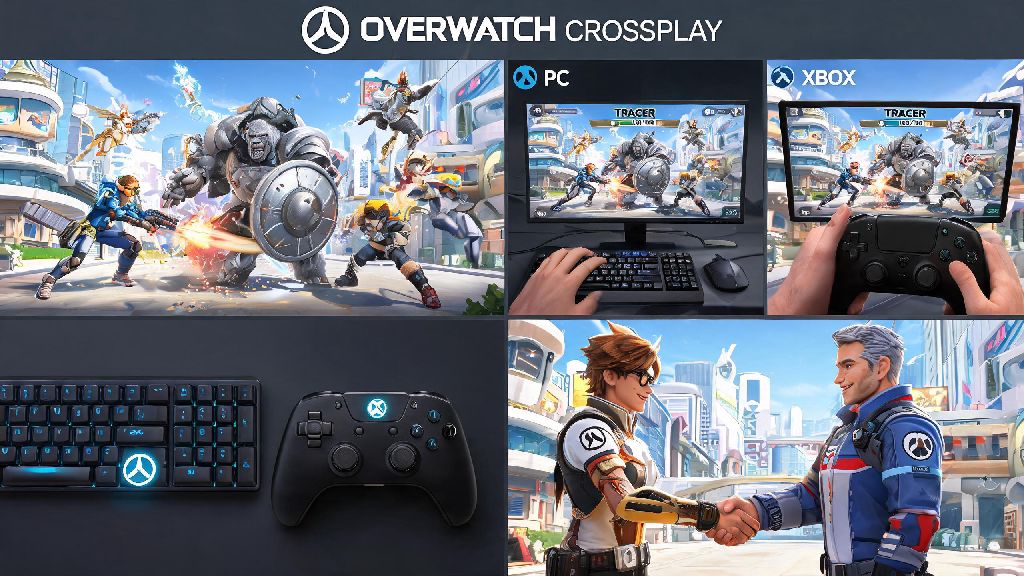
There’s nothing worse than getting hyped to grind Overwatch matches with a friend, only to hit a wall when you realize you’re on different platforms. If you’re a PC player and your buddy prefers their Xbox, you’ve almost certainly asked: can pc and xbox play overwatch together? The short answer is yes, but there are a few small rules, setup steps, and limits you need to know before you queue up. We’ve put together this guide based on hundreds of crossplay matches with our own cross-platform friend groups, so you can skip the frustration and jump straight into the action.
Can PC and Xbox Play Overwatch Together? Crossplay Eligibility Rules
Blizzard rolled out full crossplay support for all versions of Overwatch a few years back, and that includes seamless play between PC and all Xbox console generations, from the original Xbox One to the latest Xbox Series X and S. You don’t need to pay for any extra DLC or special access to use this feature, and it works for every official game mode, including Quick Play, Competitive, Arcade, and all new Overwatch Rush modes.
The only eligibility requirement is that both players have a valid Battle.net account linked to their platform of choice. For Xbox players, this link is prompted the first time you launch the game, so if you’ve already played Overwatch on your Xbox, you almost certainly already have this set up. If you haven’t linked it yet, you can do so in 30 seconds from the in-game settings menu.
One key detail to note here is input-based matchmaking that works behind the scenes to keep lobbies fair. If you’re a PC player using a controller instead of mouse and keyboard, you’ll be matched primarily with console players when you queue solo, but if you group up with an Xbox friend, the matchmaker will adjust to place you in a lobby that balances mixed input skill levels appropriately. You don’t have to change any settings to make this work; it’s all handled automatically.
Step-by-Step Guide to Play Overwatch With Friends Across PC and Xbox
Setting up a crossplay group between PC and Xbox is far simpler than most players expect, and it usually takes less than two minutes to get everyone connected. You can use either your Battle.net friends list or your Xbox platform friends list to connect, depending on what’s more convenient for you. We’ve broken down the most reliable method below:
If you already have your friend added on Xbox, you don’t even need to exchange Battle.net tags. Just link your Battle.net account to your Xbox profile (if you haven’t already), and all your Xbox friends who also have Overwatch linked will show up in your in-game friends list automatically.
One huge perk most players don’t know about: you don’t need an active Xbox Live Gold subscription to play Overwatch crossplay with PC players. Microsoft removed the Gold requirement for free-to-play games a few years ago, so even if your Xbox friend has a free account, they can still queue up with you without paying for extra access.
Key Limits and Differences When Playing Overwatch Across PC and Xbox
While crossplay works seamlessly for most use cases, there are a few small limits and differences you should be aware of before you queue up, especially if you’re planning to play competitive mode. These rules are in place to keep lobbies fair for all players, and they’re pretty easy to work around once you know they exist.
The biggest difference is the competitive matchmaking pool. If you queue as a mixed PC and Xbox group, you will automatically be placed in the PC competitive pool, not the console pool. That means your rank will be tracked against other PC players, even if most of your group is on Xbox. PC players generally have a higher average skill ceiling due to mouse and keyboard precision, so if you’re an Xbox player used to console lobbies, you might find mixed competitive matches a bit more challenging at first.
The game does have skill adjustment factors built in for mixed input lobbies, though, so it’s not as unbalanced as many players fear. Controller players get a small amount of aim assist in crossplay lobbies, and the matchmaker prioritizes placing groups with similar input mixes against each other, so you won’t end up in a lobby full of top 500 mouse and keyboard players if you’re queuing with casual Xbox friends.
There are also a few small mode restrictions. Some custom user-created game modes are locked to single-platform play, especially modes that are designed for specific input types. You also can’t turn off crossplay if you’re queued with a cross-platform friend, even if you have it disabled for solo play. That’s a small tradeoff to be able to play with friends on other platforms, and it rarely impacts casual players.
On the plus side, cross-progression works across PC and Xbox too, so if you ever switch between platforms, all your skins, unlocks, rank progress, and in-game currency will carry over automatically, as long as you’re logged into the same Battle.net account on both devices.
Common Fixes for Overwatch PC-Xbox Crossplay Connection Issues
Crossplay works reliably 99% of the time, but there are a few common issues that can pop up, especially if you’re setting it up for the first time. We’ve run into almost all of these ourselves when playing with cross-platform friends, and these fixes will solve almost every problem you might run into.
The most common issue is friend requests not showing up. If you sent a request to your friend and they never got it, first double check that you entered their Battle.net tag correctly, including the 4-digit code after the #. If the tag is correct, make sure both of you have crossplay enabled in your settings. If it still doesn’t show up, try restarting your game; sometimes the social menu glitches and doesn’t load new requests until you reboot.
If you’re in a group together but can’t queue for a match, the most likely cause is that one of you has an outdated version of the game. PC and Xbox updates roll out at slightly different times, so if one person hasn’t installed the latest patch, you won’t be able to queue together. Check for updates on both platforms, install any pending ones, and restart your game if needed.
Constant lag or disconnections in crossplay lobbies are almost always caused by network settings. Strict or moderate NAT types often block connections between different platforms, so check your NAT type on both your PC and Xbox. If either is set to strict or moderate, you can fix it by enabling UPnP on your router, or setting a static IP address for your devices and opening the required ports for Overwatch. That fix will solve 90% of crossplay connection issues.
If you get a “platform mismatch” error when trying to queue, that usually means one player in your group has a restriction on their account, either a temporary ban or a crossplay restriction for violating community rules. You can check your account status on the Battle.net website to confirm if that’s the case.
At the end of the day, can pc and xbox play overwatch together? Absolutely, and the setup process is so simple that most players can get connected in a couple of minutes. Whether you’re queuing for casual Quick Play matches, grinding new Overwatch Rush modes, or even testing out competitive play with your cross-platform friends, the crossplay system works smoothly and rarely has issues. Just remember to double check your crossplay settings, confirm you have the right Battle.net tag for your friend, and use the fixes we outlined if you run into any connection problems. We’ve been playing crossplay matches with our Xbox and PC friends for years, and it’s made grouping up far easier than it ever was in the early days of the game.