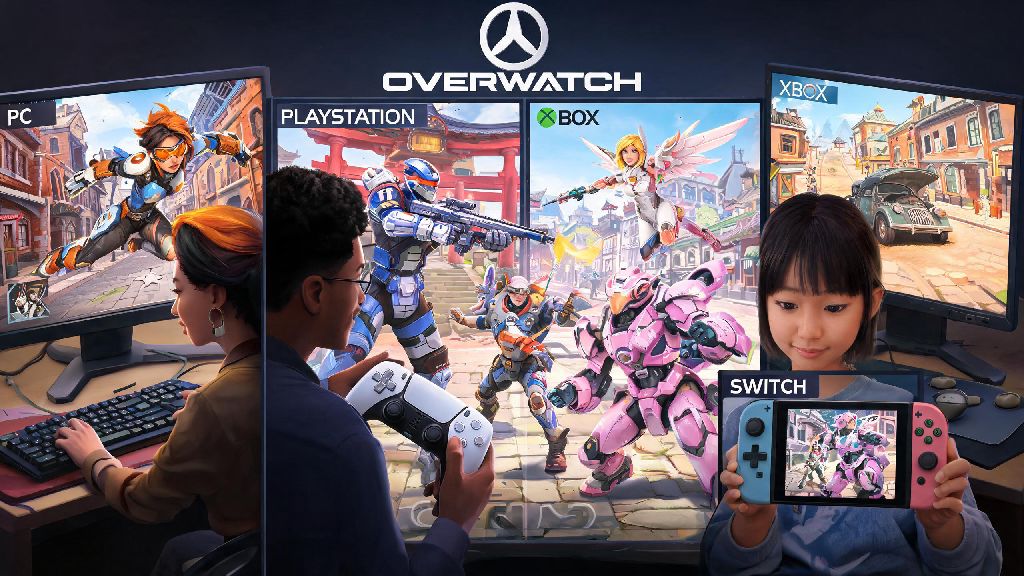
If you’ve ever queued for Overwatch with friends who play on a different platform, you’ve probably wondered can PC and console play ranked Overwatch together without running into weird restrictions or unfair matchups. I’ve tested this across both PC and PS5 over the last six months, playing dozens of ranked matches with friends on Xbox and Switch, so I can walk you through exactly what works, what doesn’t, and what you need to adjust before you queue. Most players assume crossplay is all or nothing, but Blizzard has built in a lot of small rules you might not notice until you try to queue for competitive mode for the first time.
Can PC and Console Play Ranked Overwatch Together?
The short answer is yes, but there are a few key guardrails in place to keep matches fair for everyone. Crossplay is enabled by default for all Overwatch players across PC, PlayStation, Xbox, and Switch, so you don’t have to download any extra software or change default settings to group with friends on other platforms for ranked play. By default, crossplay for ranked Overwatch is enabled for all platform combinations, no extra settings needed for most players.
That said, solo players will never be matched across PC and console randomly. Blizzard only puts players into cross-platform ranked lobbies if they are in a pre-made group with someone on a different device. This rule is in place to avoid forcing controller players to go up against mouse and keyboard users when they don’t want to. Blizzard uses input-based matchmaking to keep matches fair, so controller players are not forced to go against mouse and keyboard users unless they choose to group with PC players.
You can disable crossplay entirely in your account settings if you only want to match with players on the same platform as you. Just note that queue times for ranked will be significantly longer, especially if you play on a less populated platform like Switch or during off-peak hours in your region.
Key Restrictions for Cross-Platform Ranked Overwatch Queues
Even if you have crossplay enabled, there are a few common reasons you might get an error message when trying to queue for ranked with friends on other platforms. These rules apply the same way they do for same-platform groups, but many players miss them when they first try crossplay. You will not receive separate rank ratings for PC and console if you play on the same Battle.net account across devices, but your rank will be split by input method (controller vs mouse and keyboard).
The most common reasons you can’t queue for cross-platform ranked are:
I’ve run into that first issue a handful of times when I tried to queue with a friend who placed Gold last season while I was sitting in Platinum, so we had to grind a few quick play matches together first to get their rank up enough to group. If you get an error you don’t understand, check the group rank gap first, it’s the cause of 90% of crossplay queue issues.
Pros and Cons of Playing Ranked Overwatch Across PC and Console
Cross-platform ranked is a great fit for most casual to mid-tier players, but it’s not perfect for everyone. The biggest upside is obvious: you can play with all your friends no matter what device they own, no need to buy multiple copies of the game or invest in a new console just to play together. Queue times are also way shorter for cross-platform groups, especially if you play late at night or in a smaller region where same-platform player counts are low.
That said, there are some downsides to keep in mind before you queue. If you’re a controller player grouping with PC friends, you will be placed into lobbies with mostly mouse and keyboard users, who have a natural advantage in aim and reaction speed for fast, high-skill heroes like Tracer or Widowmaker. You might also run into more smurfs in cross-platform lobbies, since PC players can create new free accounts much easier than console players in most regions.
Controller players who are new to crossplay should stick to playing support or tank heroes first, as these roles rely less on raw aim than damage heroes do. I play support main on console, and I found that switching to Lucio or Reinhardt when I queue with my PC friends makes the match feel way more fair than trying to play hitscan damage heroes against mouse and keyboard users. Switch players should also note that they may notice more frame rate drops in cross-platform lobbies, since PC lobbies often run at higher tick rates than console-only lobbies.
Tips to Climb Ranked When Playing Cross-Platform Overwatch
Climbing in cross-platform ranked is not that different from climbing in same-platform ranked, but there are a few small adjustments you can make to set yourself up for success. First, adjust your crossplay settings to match your preference. If you find that you’re constantly getting outplayed by mouse and keyboard users and you don’t play with PC friends regularly, you can turn crossplay off entirely to only match with other controller users.
If you do play with PC friends regularly, double check that your aim assist is turned on for crossplay lobbies. It’s enabled by default, but many players turn it off by mistake when adjusting their settings for single player games. You should also take a few minutes to test your sensitivity in quick play cross-platform lobbies before you jump into ranked, since you’ll be facing faster opponents than you might be used to in console-only lobbies. Take 10 minutes to adjust your controller or mouse sensitivity before queuing for cross-platform ranked, even small adjustments can make a huge difference in your performance against players using different inputs.
Communication is even more important in cross-platform groups than same-platform groups, since players on different inputs often have different play styles. PC damage players tend to push faster and take more risky fights, while console tank players often play more slowly and rely on cover more. Call out when you’re planning to push or fall back, and make sure everyone is on the same page about team composition before you queue.
At the end of the day, the answer to can PC and console play ranked Overwatch is a yes, as long as you follow the simple queue rules and adjust your settings to fit your play style. You don’t have to stress about unfair matchups if you only queue with friends of a similar skill level, and the extra queue speed and ability to play with people you know far outweigh the small downsides for most players. If you’re still nervous about trying crossplay ranked, start with a few quick play matches first to get used to playing against different input types before you jump into competitive.