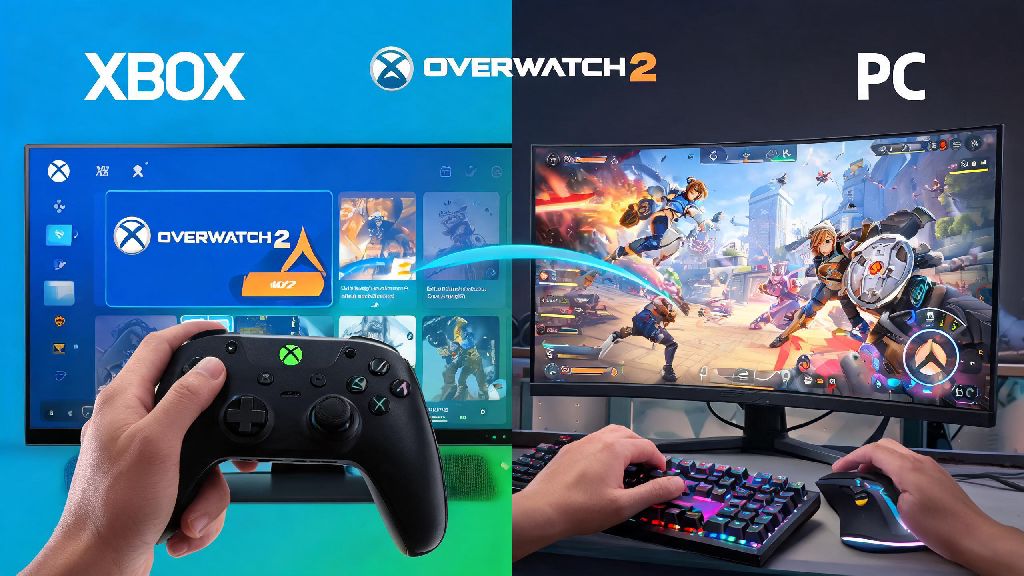
You’re mid-discord call with your friend who plays on Xbox, you’re on PC, and you both just finished your placement matches for the new competitive season. You’re ready to grind for a higher rank together, but stop short when you realize you don’t know if cross-platform play is allowed for ranked lobbies. If you’ve ever asked can you play comp Overwatch 2 crossplay, you’re not alone. I get this question at least three times a week from players in my Overwatch 2 Discord server, so I figured it was time to put together a full breakdown of what’s allowed and what isn’t.
Can You Play Comp Overwatch 2 Crossplay: Official Rules Breakdown
The short answer is yes, but there are specific platform group rules Blizzard enforces to keep matches fair for all players. First, console players (PlayStation, Xbox, Nintendo Switch) can queue for competitive crossplay with other console players by default, no extra steps needed. You can choose to opt out of crossplay for console-only lobbies, but that will lead to longer wait times for matches.
PC players are always in the PC crossplay pool, and can’t opt out of crossplay with other PC storefronts like Steam, Battle.net, or Epic Games Store. If you play on PC, you will never be matched against a console-only group, even if you queue solo.
Any group that includes at least one PC player will only be matched against other groups with PC players, even if most of your team is on console. That rule is in place to prevent unfair matchups where full controller teams go up against full mouse and keyboard teams, which would create a major skill gap for most players. You don’t have to change any settings to enable this, the matchmaker automatically sorts your lobby based on the highest platform in your group.
Key Restrictions for Cross-Platform Competitive Play
Crossplay competitive follows most of the same rules as standard single-platform ranked play, but there are a few extra restrictions you need to know before you queue. First, the standard rank gap rule applies across all platforms: you can’t group with someone who is more than two skill tiers above or below your current rank, no matter what platform they play on. That means a Silver player can’t queue with a Master player, even if they’re on different platforms.
Cross-progression does not sync your competitive rank between console and PC platforms, even if you use the same Battle.net account for both. If you’re a Grandmaster support main on PlayStation, you will have to do a full set of placement matches when you first play on PC, and your rank will start fresh for that platform group. Your cosmetics and battle pass progress will sync, but your rank stays separate to keep matches fair for players who only play on one platform.
The most common restrictions players run into when trying to queue for crossplay comp include:
If you run into an error when trying to queue, the first thing to check is your rank gap between group members, then make sure no one has crossplay disabled if you’re playing across different console platforms.
Pros and Cons of Playing Crossplay Comp in Overwatch 2
Crossplay competitive has a lot of benefits, but it’s not the right fit for every player. The biggest plus is obviously the ability to play with friends who use different platforms, which is the main reason most people choose to enable crossplay for ranked. You also get much shorter queue times, especially if you play during off-peak hours like weekday mornings or late at night, when there are fewer players online on your single platform.
You also get exposed to a wider range of playstyles when you play cross-platform, which can make you a better player overall. Console players tend to have more experience with close-quarters heroes that work well with controller, while PC players often have more precise aim for hitscan heroes, so playing with both groups helps you learn to counter more playstyles.
That said, there are some downsides to consider. Input lag differences between console and PC can create uneven matchups for casual cross-platform groups who haven’t played together before. But don’t buy into the myth that controller players can’t hold their own against mouse and keyboard users. I’ve seen plenty of GM controller players wipe entire PC teams without breaking a sweat, so skill still matters far more than input type.
Another downside is that cross-platform voice chat can have more technical issues than single-platform chat, especially if someone is playing on Nintendo Switch, which has less stable audio support for in-game chat. You can fix most of these issues by using a third-party voice chat app like Discord instead of the in-game chat, if everyone in your group has access to it.
Tips for Success in Cross-Platform Competitive Matches
If you decide to queue for crossplay comp, there are a few simple things you can do to make your runs much more successful. First, build your team composition around the strengths of each player’s input type. Controller players often excel at tank heroes like Reinhardt or Junker Queen, and support heroes like Brigitte or Lucio that don’t require super precise long-range aim, while mouse and keyboard players can take hitscan DPS heroes like Widowmaker or Tracer that rely on fast, accurate aim.
Make sure everyone in your group has their crossplay settings enabled before you queue, and test voice chat before you enter a match. There’s nothing worse than getting into a competitive match and realizing half your team can’t hear callouts because their crossplay chat is disabled. If you’re playing with people you don’t know, make sure to enable team chat so you can communicate with random teammates too.
Test your input settings before jumping into a crossplay comp match if you're switching platforms for the first time. Don’t go into a ranked match with default controller settings on PC if you’re used to playing on PlayStation, take 10 minutes to adjust your sensitivity and button mapping in quick play first so you don’t throw your team’s placement matches.
If you’re a console player worried about going up against PC players, practice in quick play crossplay lobbies first to get used to the slightly faster pace of PC matches before you jump into ranked. You’ll get a feel for how mouse and keyboard players move and aim, and you’ll be much more prepared when you queue for your first crossplay comp match.
Finally, be patient with queue times if you’re in a mixed PC and console group, especially if you’re in a higher rank bracket. There are fewer players in those lobbies, so you might wait a few minutes longer for a match than you would on a single platform, but the wait is worth it to play with your friends.
At the end of the day, the answer to can you play comp Overwatch 2 crossplay is a clear yes, as long as you follow Blizzard’s rank and platform rules. Crossplay competitive opens up a ton of opportunities to play with friends you wouldn’t otherwise get to team up with, and with a little preparation, you can climb the ranks together no matter what platform each of you uses. If you’re still unsure about any rules, test out a few casual crossplay matches first to get a feel for how the system works before you jump into your next comp placement match.