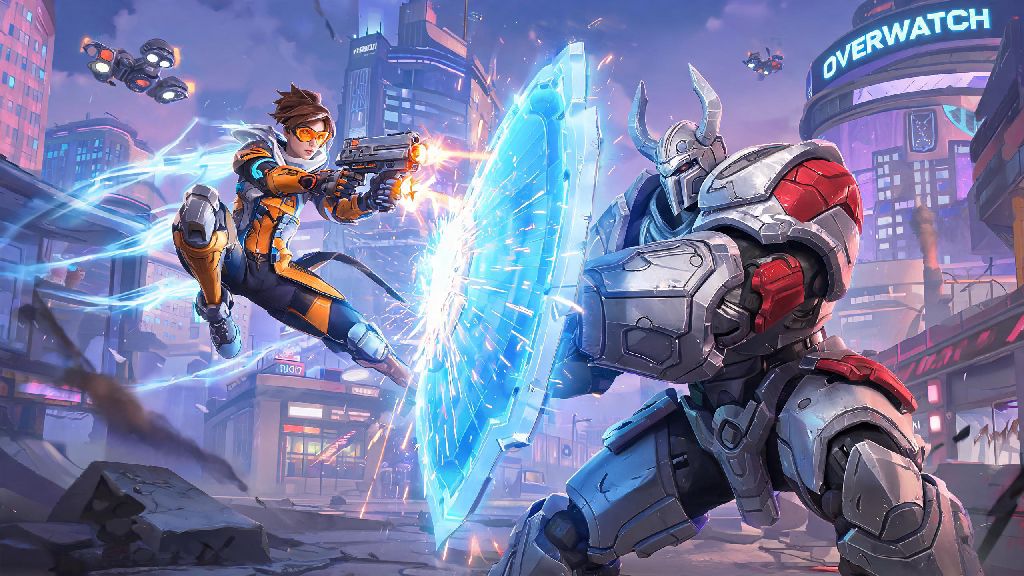
If you’ve ever finished a rough solo queue losing streak and thought about grabbing a friend to climb together, you’ve probably asked can you play 2 player on Overwatch. Most players get into the game for the chaotic, team-based action, and playing with a partner you trust makes every win feel way more rewarding, and every loss feel less frustrating. A lot of new players get confused about which modes support co-op queuing, what restrictions there are, and how to fix common group issues, so we’ve put together all the info you need to start playing with your friend right away.
Can You Play 2 Player on Overwatch: Eligible Modes to Try First
The short answer is yes, nearly every Overwatch game mode supports 2-player queuing, so you don’t have to limit yourself to just casual matches if you want to play with a friend. All core PvP and seasonal PvE modes support 2-player queuing, so you can jump into Quick Play, Competitive, open queue, or even limited-time events like Halloween Terror or Winter Wonderland together without issues. The only modes that don’t allow 2-player groups are specific solo-only arcade challenges, like the weekly solo deathmatch runs or single-player story missions that are designed to be completed alone. It’s also worth noting that crossplay is fully enabled for all 2-player groups, so you can play with a friend on PC, PlayStation, Xbox, or Switch even if you’re on a different platform. But you will need to link your console account to your Battle.net account to add cross-platform friends, which only takes a couple of minutes to set up.
Step-by-Step Setup for 2-Player Overwatch Queues
Setting up a 2-player group is straightforward, but there are a few small steps you don’t want to skip to avoid issues. First, add your friend to your Battle.net friends list, or find them through the in-game friends menu if you’re on the same platform. Send them a group invite, and once they accept, you’ll see their profile pop up in your group bar on the top right of the screen. If you’re the group leader, you get to pick which mode you queue for, but you can always pass leadership to your friend if they have a specific mode they want to try. Competitive mode has a rank gap limit to keep matches fair for all players, so if you’re queuing for ranked, your ranks can’t be more than 10 skill tiers apart. That means a Bronze player can’t queue with a Master player, for example, to prevent unbalanced matches that are no fun for either team. One common question we get is whether Overwatch supports split-screen couch co-op for 2 players on the same console. As of the latest update, there’s no split-screen support available, so all 2-player play has to be online on separate devices. That might be disappointing if you were hoping to play on the same couch, but Blizzard has mentioned they’re exploring split-screen options for future updates, so it could be added down the line.
Pro Tips to Win More 2-Player Overwatch Matches
Playing with a friend gives you a huge advantage over solo players, because you can coordinate plays way better than random teammates who don’t communicate. I’ve been queuing with the same friend for 3 years now, and our win rate is almost 20% higher when we play together than when we play alone, just because we know each other’s play styles. Role synergy has a bigger impact on 2-player win rates than individual skill, so it’s worth picking heroes that work well together instead of both picking your favorite DPS hero every time. A few of the most effective 2-player hero combos we’ve tested are Reinhardt and Mercy, Tracer and Lucio, and Widowmaker and Kiriko, but you can experiment to find what works for you. If you want to climb the competitive ranks fast with your partner, follow these simple tips:
Common 2-Player Overwatch Issues and How to Fix Them
Even if you follow all the setup steps, you might run into a few common issues when trying to queue with a friend. The most common one is not being able to send or receive group invites, which is almost always caused by disabled crossplay or privacy settings. If you can’t see your friend on your friends list, double check that crossplay is enabled in your game settings, and that your friend has their group privacy set to open so they can receive invites. Another common issue is super long queue times, which usually happens if both of you are queuing as DPS. Switching one of your roles to tank or support cuts 2-player queue times by up to 70% in most regions, so if you’re tired of waiting 10+ minutes for a match, just swap one of you to a different role. If you keep getting kicked out of your group mid-queue, that’s usually a temporary server glitch, so just restart your game and re-invite your friend, and it should fix the issue. I’ve run into this problem a few times during big seasonal updates, when servers are more crowded than usual, so it’s nothing to worry about.
At the end of the day, the answer to can you play 2 player on Overwatch is a resounding yes, and it’s easily one of the best ways to experience the game. Whether you’re playing casual quick play matches to mess around, or climbing the competitive ranks together, having a trusted partner by your side makes every match more fun. Just follow the setup steps we outlined, stick to complementary roles, and communicate well, and you’ll be winning more matches in no time. Next time you log on, grab a friend and queue up for a few matches—you might be surprised how much better you play together.