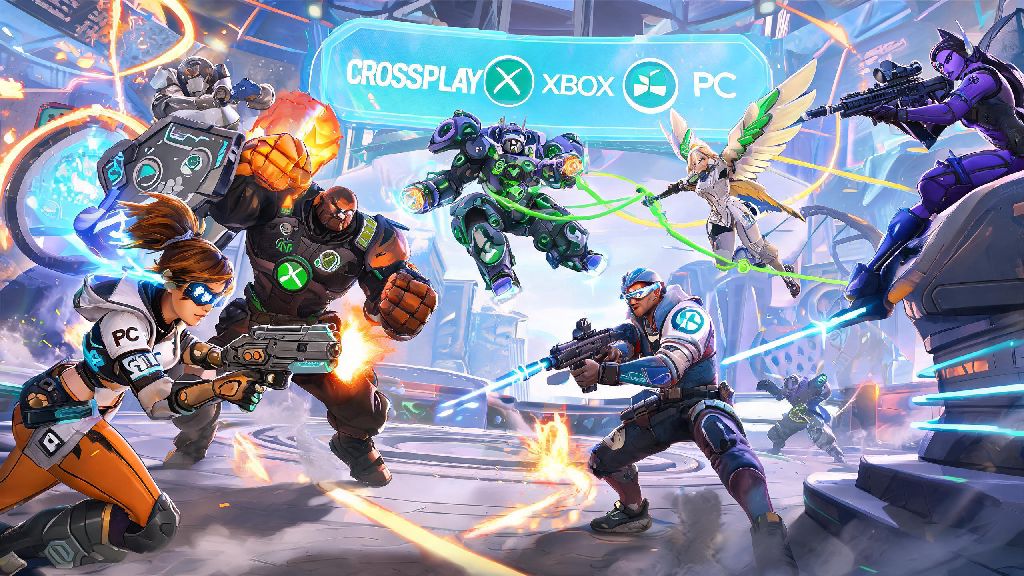
If you’ve ever logged into Overwatch on your Xbox only to realize most of your regular group plays on PC, you’ve probably asked can Xbox players play with pc players on Overwatch at least once. I’ve been playing the game since the original 2016 launch, and half my regular squad uses Xbox Series X/S while the other half sticks to PC, so I’ve tested every crossplay setting and workaround you can think of. This guide breaks down everything you need to know to queue together, avoid common headaches, and make the most of cross-platform play.
Can Xbox Players Play With PC Players on Overwatch? Official Crossplay Rules
The short answer is yes, all Xbox consoles (Xbox One, Xbox Series S, and Xbox Series X) support full crossplay with PC players on both Battle.net and Steam versions of Overwatch. Blizzard rolled out universal crossplay for all game modes back in 2021, and the feature has been expanded and refined for Overwatch Rush and other newer game modes. There are no region locks for crossplay between Xbox and PC, so you can play with friends in other countries as long as you’re all connected to the same server region for low ping.
Crossplay is enabled by default for all new accounts, so you don’t have to flip a hidden switch to access it right out of the box. It works for every game mode, from quick play and arcade to competitive ranked and seasonal event modes. The only exception is custom game lobbies where the host has manually disabled crossplay, which is extremely rare for public lobbies.
It’s worth noting that input-based matchmaking is active for all crossplay lobbies. That means if your group has even one PC player using a keyboard and mouse, your entire group will be placed in PC lobbies rather than mixed console lobbies. If all PC players in your group use controllers, you’ll be placed in controller lobbies with other console players, which is a good option if you don’t want to go up against the faster aim of mouse and keyboard players.
How to Set Up Crossplay Between Xbox and PC for Overwatch
Setting up crossplay takes less than five minutes if you follow these simple steps. First, you’ll need to make sure your Xbox Live account is linked to a valid Battle.net account. If you played Overwatch 1 on Xbox, you probably already did this step when the sequel launched, but if you’re a new player, you can link your accounts through the Battle.net website or directly from the Overwatch main menu on your Xbox.
Next, double-check that crossplay is enabled in your in-game settings. You can find the toggle under the Gameplay tab, listed as “Cross-Platform Play”. It’s turned on by default, but if you or someone else using your account turned it off in the past, you’ll need to flip it back on to join PC lobbies. You don't need an active Xbox Live Gold subscription to play Overwatch crossplay anymore, as Blizzard made the game free to play across all platforms without requiring console online memberships in 2023.
Once your settings are sorted, you can add your PC friends to your in-game friends list two ways. You can search for their full Battle.net tag (including the four-digit number after their username) or their Xbox gamertag, but the Battle.net tag is far more reliable for cross-platform adds. Once they accept your friend request, you can invite them to your group directly from your friends list, just like you would with another Xbox player. I helped my 12-year-old cousin set this up last month when he got his first Xbox, and he was playing with our PC group in under three minutes.
Key Things to Know When Playing Crossplay Between Xbox and PC
Crossplay works seamlessly most of the time, but there are a few key differences between playing with other Xbox players and playing with PC friends that you should be aware of before you queue up. These will help you set realistic expectations and avoid frustration when you first start playing cross-platform:
You can turn off crossplay if you only want to match with other Xbox players, but that will drastically increase your queue times, especially for less popular modes like competitive support or seasonal arcade modes. I tried turning crossplay off for a week last season, and my average queue time for competitive damage jumped from 2 minutes to almost 10, so I turned it back on pretty quickly.
You’ll also likely notice a skill difference between Xbox and PC lobbies if you’re used to only playing on console. I’m a Diamond support main on Xbox, and when I first started grouping with my PC friends, I got crushed in my first three lobbies because I wasn’t used to how fast mouse and keyboard players can land headshots. It took me about 10 games to adjust my playstyle, and now I hold my own most of the time.
Common Crossplay Issues Between Xbox and PC (And How to Fix Them)
Crossplay is pretty reliable these days, but there are a handful of common issues that pop up regularly, especially for new players. Most of these have simple fixes that take less than a minute to implement.
The most common issue is not being able to see your PC friend online, even when you know they’re logged into the game. 9 times out of 10, this is because one of you has your privacy settings set to block cross-platform friend requests. Double-check that both your Battle.net privacy settings and Xbox privacy settings allow cross-network friend requests, and make sure you typed their Battle.net tag correctly, including the four-digit number after their username.
Another common issue is being unable to join the same lobby, even when you’re both on each other’s friends lists. This almost always happens when one of you is running an outdated version of the game. Overwatch updates automatically on most platforms, but sometimes PC players on Steam have updates delayed by a few hours compared to Battle.net players. Restarting your game will force any pending updates to install, and you’ll be able to join each other right after. If you get a "crossplay restricted" error, check your Xbox privacy settings to ensure you allow cross-network play – this is an especially common fix for child accounts, which have crossplay disabled by default on Xbox.
If you’re experiencing unusually high ping or lag when playing with PC friends, check that you’re both connected to the same server region. You can select your preferred server region under the Gameplay tab in settings. If you’re on the east coast of the US and your friend is connected to the west coast server, you’ll both have higher ping than if you switch to a server closer to the middle of the country. Closing background downloads on your Xbox and making sure no one else on your network is streaming 4K video will also help bring your ping down.
At the end of the day, the answer to can xbox players play with pc players on overwatch is a resounding yes, and the setup process is simple enough for even brand new players to figure out in a few minutes. Crossplay is one of the best features added to the game in recent years, because it means you don’t have to miss out on playing with friends just because you prefer different platforms. If you run into any issues that the fixes above don’t solve, you can usually find updated workarounds on the official Overwatch forums, or drop a question in your squad’s group chat – chances are someone else has had the same problem before.