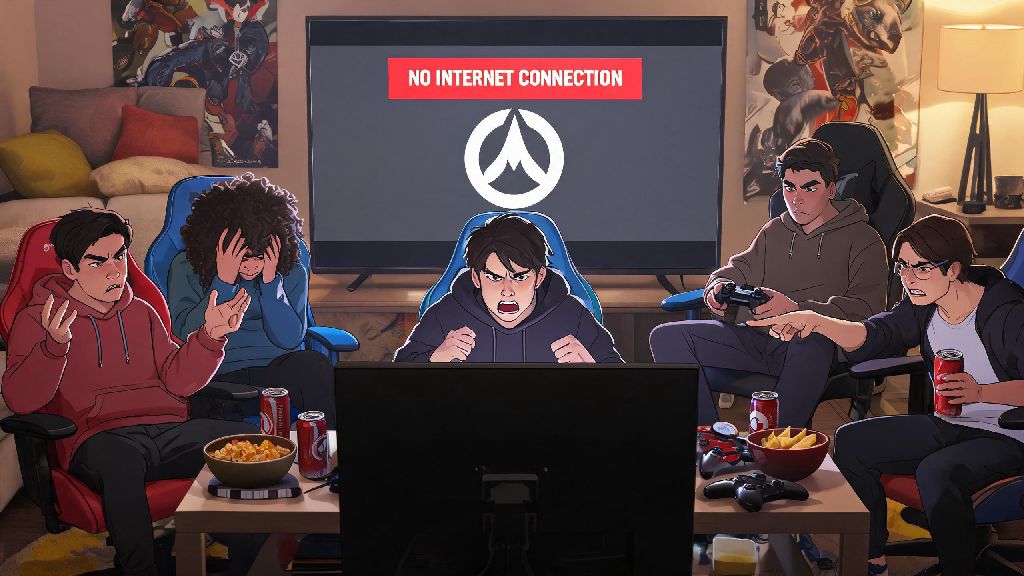
We’ve all been there: your internet cuts out mid-weekend, you’re stuck on a long trip with no Wi-Fi, or you just want to grind some hero practice without dealing with toxic random teammates. A lot of players first ask can u play Overwatch offline when they find themselves stuck without a stable connection, and the answer isn’t as straightforward as you might think. I’ve tested every possible workaround for offline play over the past three years, from custom game tweaks to console offline settings, so I’m breaking down exactly what works, what doesn’t, and what you can expect if you try to play without internet.
Can U Play Overwatch Offline Officially?
The short official answer from Blizzard is no, you cannot access most standard Overwatch modes without an active internet connection. This rule applies to all platforms, including PC, PlayStation, Xbox, and Switch, and covers both free-to-play casual modes and paid PvE story content. Blizzard’s official stance is that a persistent internet connection is required for all standard Overwatch play on all platforms.
There are two core reasons for this requirement. First, all Overwatch anti-cheat systems run on Blizzard’s remote servers, so offline play would open the door for widespread client-side hacking that would ruin the integrity of online matches when players reconnect. Second, all account data including battle pass progress, skin unlocks, competitive rank, and friend lists are stored exclusively on Blizzard’s servers, so you can’t access any of that data without a connection to sync your account.
You might see an “offline mode” prompt when you boot up the game without internet on console, but this only lets you view your local screenshot gallery and adjust basic console settings. You won’t be able to launch any game modes or interact with any hero content from that offline menu.
Workarounds for Limited Offline Overwatch Play
When people ask if can u play Overwatch offline, these are the only reliable options I’ve found after years of testing. None of these workarounds are officially supported by Blizzard, so you might run into random crashes or forced logouts, but they work for short sessions if you’re stuck without internet. Keep in mind none of these will let you play full quick play or competitive matches, which are 100% tied to live servers.
It’s important to set expectations for these workarounds before you try them. You will not be able to access any of your unlocked skins, battle pass challenges, or saved control presets unless you loaded them before disconnecting. You will not earn any battle pass XP, skin unlocks, or competitive rank progress while using any offline workaround, so don’t expect to make progress on your account while you’re disconnected.
Common Misconceptions About Offline Overwatch Play
There’s a lot of false information floating around online about offline Overwatch options, and most of it will either waste your time or put your account at risk. One of the most common myths I see is that you can download a private “offline Overwatch server” to play full game modes without internet. These third-party clients are almost always fake, and the few that work require you to input your official Battle.net account details, which will almost always result in a permanent account ban from Blizzard.
Never download third-party "offline Overwatch" clients from untrusted sites — many of these files are loaded with keyloggers, ransomware, or spyware that can steal personal data from your device. Blizzard actively scans for accounts accessing unofficial servers, and bans for this violation are non-appealable.
Another common misconception is that paid PvE story modes can be played offline after you download the content files. I tested this last year during a camping trip where I pre-downloaded all available PvE missions before leaving home, and the game still refused to launch the missions without a cell signal to connect to Blizzard’s servers. All PvE content is tied to server-side checks to prevent piracy, so you can’t access it offline even if the files are saved to your device.
Many players also assume arcade modes are available offline, but all arcade playlists are hosted on live servers and updated weekly, so they’re completely inaccessible without an internet connection.
Best Alternatives If You Can’t Play Overwatch Offline
If the limited workarounds we covered earlier aren’t enough for you, there are far more reliable options to get your hero shooter fix without internet, instead of wasting time trying to force Overwatch to work offline. First, if you’re mostly looking to practice your aim and ability combos to stay sharp for online matches, download a well-reviewed offline aim trainer that has custom Overwatch hero profiles.
These aim trainers match the hitbox sizes, movement speeds, and ability mechanics of every Overwatch hero, so you can get the same practice value as you would in the official practice range, with far more customization options. Stick to well-reviewed, officially licensed aim trainers if you want to sync your progress back to your Overwatch account later — many popular options let you export your practice stats to your Battle.net account when you reconnect to internet.
If you’re looking for a more fun, casual gaming experience to pass the time without internet, there are dozens of offline hero shooters with similar mechanics to Overwatch, including single-player campaigns and local split-screen multiplayer modes. These games are built for offline play from the start, so you won’t have to deal with random crashes or missing content.
If you travel often or have regular internet outages, I recommend downloading 1 or 2 of these offline alternatives ahead of time, so you don’t have to scramble for workarounds when your internet cuts out. It’s far less frustrating than trying to get Overwatch to run offline, and you won’t risk losing your account or device to malicious software.
At the end of the day, the answer to can u play Overwatch offline is mostly no, but there are a few limited workarounds you can try if you’re stuck without internet for a short time. Don’t waste hours trying to find a full offline version of the game, because it doesn’t exist officially, and unofficial options will only put your account and device at risk. If you travel a lot or often have spotty internet, you’re better off downloading a few offline-friendly shooters and aim trainers ahead of time, so you don’t have to rely on untested workarounds to get your gaming fix.