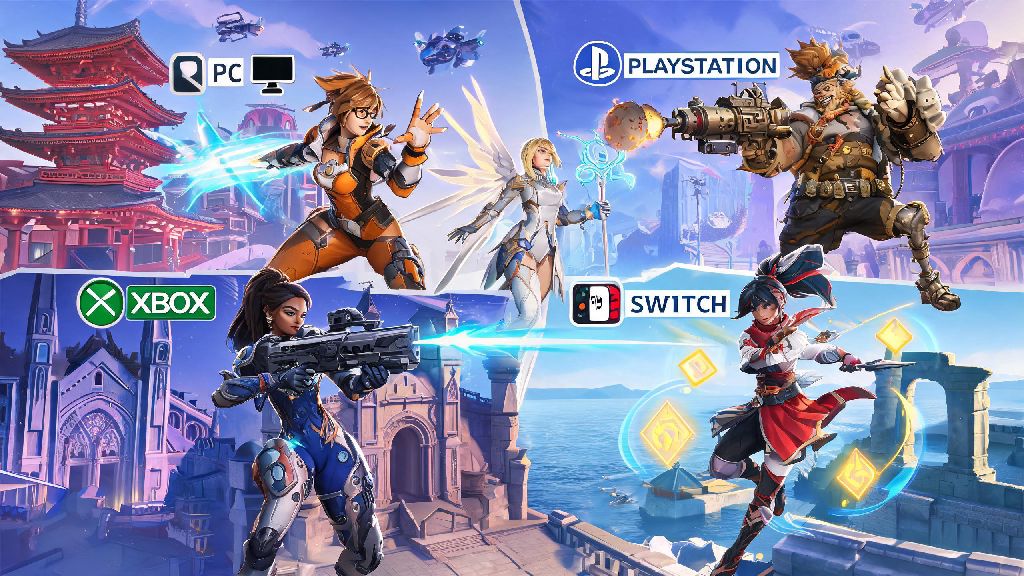
If you’ve got a group of friends split between PC and PlayStation, Xbox, or Switch, you’ve almost certainly asked: can PC players play with console on Overwatch 2? The good news is crossplay support is one of the most polished features of the modern Overwatch experience, designed to let you squad up no matter what hardware your crew uses. This guide breaks down everything you need to know about cross-platform play, from setup steps to matchmaking rules to tips for keeping your lobbies fun and fair for every player. I’ve been playing Overwatch 2 across PC and PS5 for years, so I’ve run into every crossplay quirk you can imagine, and I’m sharing all the lessons I’ve learned.
Can PC Players Play With Console on Overwatch 2? Official Crossplay Rules
The short answer to can PC players play with console on Overwatch 2 is yes, full cross-platform play is supported across all available platforms for every public and private game mode. That includes PC (both Battle.net and Steam versions), PlayStation 4, PlayStation 5, Xbox One, Xbox Series X/S, and Nintendo Switch. There are no platform locks for group play, so you can squad up with anyone who owns the game, no matter what device they use.
Crossplay is automatically enabled for all new Overwatch 2 accounts, no extra downloads or DLC required to access the feature. The only exception is if you’re a console player who manually opted out of crossplay in your settings in the past, which will block PC invites and keep you in console-only lobbies. PC players cannot opt out of crossplay entirely, as the combined console player base keeps PC queue times short across all game modes.
Cross-progression is also tied to crossplay, so any skins, battle pass progress, in-game currency, or rank you earn on one platform will carry over to all other platforms linked to your central Battle.net account. That means you can grind the battle pass on your Switch during your commute, then jump on PC to play ranked with friends at night without losing any progress.
For competitive play, there is one key rule to keep in mind: mixed input groups (PC mouse and keyboard plus console controller) will be matched against other mixed input groups, so you’ll never be placed in a lobby with only controller-only console players. This rule exists to prevent unfair matchups, as mouse and keyboard offers far faster precision than standard controllers.
How to Set Up Crossplay Groups Between PC and Console
Setting up a crossplay group takes just a few minutes, as long as all players have their accounts linked correctly. The first step for every console player is to link their platform account to a free Battle.net account, as Overwatch 2 uses Battle.net as its central friend system across all platforms. You can link your accounts through the Battle.net website or directly in the Overwatch 2 in-game settings when you first launch the game.
Once all accounts are linked, you can add friends by searching for their full Battle.net display name and 4-digit tag, regardless of what platform they play on. Console gamertags will not show up in the in-game friend search by default, so make sure you get your friend’s Battle.net info before you try to send an invite. Once they accept your friend request, you can invite them to your group the same way you would invite any other friend on your own platform.
If you run into issues sending or receiving crossplay invites, these common fixes will solve most problems:
I ran into this exact issue last year when I tried to invite my little cousin who plays on Switch to a group, and I kept searching for his Nintendo gamertag instead of his Battle.net tag. It took us 10 minutes to figure out the mistake, so don’t make the same error I did.
You do not need a paid online subscription (like PlayStation Plus or Xbox Game Pass Core) to play crossplay custom games with friends, though you will need one for public matchmaking modes. That’s a great perk if you just want to mess around in custom game modes with friends without paying for a platform subscription.
Key Differences Between PC and Console Overwatch 2 Gameplay
While crossplay works seamlessly, there are real differences between PC and console gameplay that you should be aware of before you squad up with friends on other platforms. The biggest difference is input type: mouse and keyboard on PC allows for far faster aim and movement precision, especially for hitscan heroes like Widowmaker, Tracer, and Soldier: 76. A good PC player can flick shot and track moving targets much faster than even the most skilled controller player.
Controller players do get built-in aim assist to help balance this difference, but it’s not enough to match the raw speed of a mouse for precision plays. That’s why the matchmaker puts mixed input groups into separate lobbies, to keep matchups as fair as possible. You won’t be able to stomp casual console lobbies just because you play on PC, which keeps the game fun for everyone.
Many high-ranked console players opt to use mouse and keyboard adapters on their consoles, which the game detects and puts into PC input matchmaking pools to keep lobbies fair. If you’re a console player using an adapter, you won’t be able to play in controller-only lobbies, even if you’re playing on a console.
From my experience playing in mixed groups regularly, the input difference is barely noticeable in casual modes like Quick Play or Arcade, but it can feel more significant in competitive play. If you’re a high-ranked PC player playing with low-ranked console friends, you might find the mixed lobbies feel easier than your usual solo PC lobbies, but the matchmaker does a pretty good job of balancing things out overall.
Crossplay groups will never be matched against pure controller-only console lobbies, even if all your console friends are using standard controllers. That rule is strictly enforced to prevent unfair matchups for console players who choose not to play with PC users.
Tips to Make Crossplay Between PC and Console More Fun for Everyone
Crossplay works great right out of the box, but there are a few small tweaks you can make to ensure everyone in your group has a good time, no matter what platform they play on. The first tip is to pick game modes that minimize input differences if you’re playing with casual friends. Arcade modes like Total Mayhem, Mystery Heroes, or Capture the Flag are far less reliant on raw aim than standard Quick Play or Competitive, so everyone has a fair shot at getting eliminations and contributing to the team.
If you’re a more experienced PC player, try to avoid picking high-skill hitscan heroes every match if you’re playing with casual console friends. Picking tank or support heroes that rely more on game sense than pure aim will make the game more fun for everyone, and you’ll still be able to contribute to the team without carrying every single match. I usually pick Mercy or Reinhardt when I play with my casual console friends, and we have way more fun than when I lock in Widowmaker and get 30 eliminations every round.
Use the in-game group voice chat instead of platform-specific chat apps, so everyone can communicate easily. Console players often use party chat on their own platform by default, but switching to the in-game voice chat ensures no one gets left out of callouts or casual conversation during matches.
If you're planning to play competitive crossplay, make sure all players in your group are within 1 skill tier of each other to avoid mismatched lobbies. If you’re a Grandmaster PC player grouping with a Bronze console friend, the matchmaker will struggle to find a balanced lobby, and you’ll likely end up in matches that are either way too easy or way too hard for everyone involved.
If you want even more control over the balance of your lobbies, switch to custom games. You can adjust almost every game rule in custom lobbies, from increasing aim assist strength for controller players to limiting certain heroes for PC players, to make the playing field as even as you want. I’ve hosted plenty of custom scrims between my PC and console friend groups, and adjusting the rules slightly makes the matches way more competitive and fun for everyone.
So next time you’re wondering can PC players play with console on Overwatch 2, you know the answer is a resounding yes, as long as you follow the simple setup steps and keep your group’s fun in mind. Crossplay is one of the best features of Overwatch 2, letting you play with all your friends no matter what platform they prefer, and it’s only gotten more polished since the game launched. I’ve had some of my best Overwatch 2 matches playing with a mix of PC and console friends, so don’t hesitate to send that invite next time you see your friend online, no matter what device they’re using.